Ashfall 3D Cylinder Gallery
Premium promptThe live example above. Dozens of curved image planes form a tall cylinder that turns on its own; scrolling moves the camera down through it and fast scrolling briefly spins it harder.
A 3D image gallery on scroll places image planes on a shape in a Three.js scene, usually a ring or a cylinder around the camera's line of sight, and maps the page scroll to a rotation of that shape or a movement of the camera. Each image is a plane with the photo as its texture. GSAP's ScrollTrigger pins the section and turns scroll progress into rotation, so the reader spins the gallery by scrolling down the page.
Which shape. A ring at eye level shows a few images at the front and hints at the rest behind. A cylinder of several rows, or a helix, holds many more images and lets the camera travel vertically through it. A flat wall curved towards the viewer suits grids. The shape is just the maths that sets each plane's position and rotation, so trying another one costs a few lines.
What the scroll controls. Mapping scroll progress directly to rotation makes the gallery reversible and predictable: scrolling back turns it back. Adding the scroll velocity on top, as a temporary extra spin that decays, gives the inertial feel of the more playful galleries. Many combine both: progress for position, velocity for energy.
Three.js or CSS 3D. For a dozen or two images with no custom shading, CSS 3D transforms (perspective, rotateY, translateZ) produce the same ring with real HTML elements, accessible links and no WebGL. Three.js earns its place when you want curved planes, shaders that dim or distort images, hundreds of tiles or depth effects.
A ring of planes facing outwards, pinned for three screens of scroll, with the ring making one full turn.
import * as THREE from "three";
import gsap from "gsap";
import { ScrollTrigger } from "gsap/ScrollTrigger";

gsap.registerPlugin(ScrollTrigger);

const urls = ["/img/1.jpg", "/img/2.jpg", "/img/3.jpg", "/img/4.jpg", "/img/5.jpg", "/img/6.jpg", "/img/7.jpg", "/img/8.jpg"];
const section = document.querySelector(".gallery");
const renderer = new THREE.WebGLRenderer({ alpha: true, antialias: true });
renderer.setPixelRatio(Math.min(devicePixelRatio, 2));
renderer.setSize(innerWidth, innerHeight);
section.appendChild(renderer.domElement);

const scene = new THREE.Scene();
const camera = new THREE.PerspectiveCamera(45, innerWidth / innerHeight, 0.1, 100);
camera.position.z = 10;

const ring = new THREE.Group();
scene.add(ring);
const loader = new THREE.TextureLoader();
urls.forEach((url, i) => {
  const angle = (i / urls.length) * Math.PI * 2;
  const map = loader.load(url);
  map.colorSpace = THREE.SRGBColorSpace;
  const plane = new THREE.Mesh(
    new THREE.PlaneGeometry(1.6, 2.2),
    new THREE.MeshBasicMaterial({ map, side: THREE.DoubleSide })
  );
  plane.position.set(Math.sin(angle) * 4, 0, Math.cos(angle) * 4);
  plane.rotation.y = angle;
  ring.add(plane);
});

gsap.to(ring.rotation, {
  y: Math.PI * 2,
  ease: "none",
  scrollTrigger: { trigger: section, start: "top top", end: "+=300%", pin: true, scrub: 1 },
});
renderer.setAnimationLoop(() => renderer.render(scene, camera));
Give .gallery a height of 100vh so the pinned canvas fills the screen. Each plane is placed on a circle of radius 4 and rotated by its own angle, so it faces outwards from the centre. Tilting the whole ring a few degrees on the X axis (ring.rotation.x = 0.15) shows its depth much better than a perfectly flat view.
Resizing. The camera's aspect and the renderer's size must follow the window, or the gallery stretches. On resize, update camera.aspect, call camera.updateProjectionMatrix() and renderer.setSize(), and consider moving the camera back on narrow screens so the ring still fits.
Texture memory. Every image becomes a GPU texture at its full pixel size. Twenty 3000 pixel photos can use hundreds of megabytes of video memory and crash a phone's tab. Serve images sized for the plane they fill, around 800 to 1200 pixels on the long side, and reuse textures when the same photo appears twice.
Curved planes. A plane bent to follow the cylinder looks far better than a flat card, but needs more segments in the geometry and its vertices moved along the arc, either once in JavaScript or in the vertex shader.
Clicks and links. Images in a canvas are not links. To make planes clickable, raycast from the pointer into the scene on click and open the matching URL, and keep a real HTML list of the same projects for keyboards, screen readers and search engines.
Smooth scroll. With Lenis or a similar smoother, feed its scroll into ScrollTrigger and read velocity from it if you add an inertial spin, so both agree on where the page is.
Drawing a few dozen textured planes is light work for any GPU; the bottleneck on phones is texture uploads when the gallery first appears and fill rate at high pixel ratios. Load textures progressively, cap the pixel ratio, and stop the render loop when the section is off screen, for example with an IntersectionObserver.
Each one has a live demo and a validated AI prompt that rebuilds it in your project.
The live example above. Dozens of curved image planes form a tall cylinder that turns on its own; scrolling moves the camera down through it and fast scrolling briefly spins it harder.
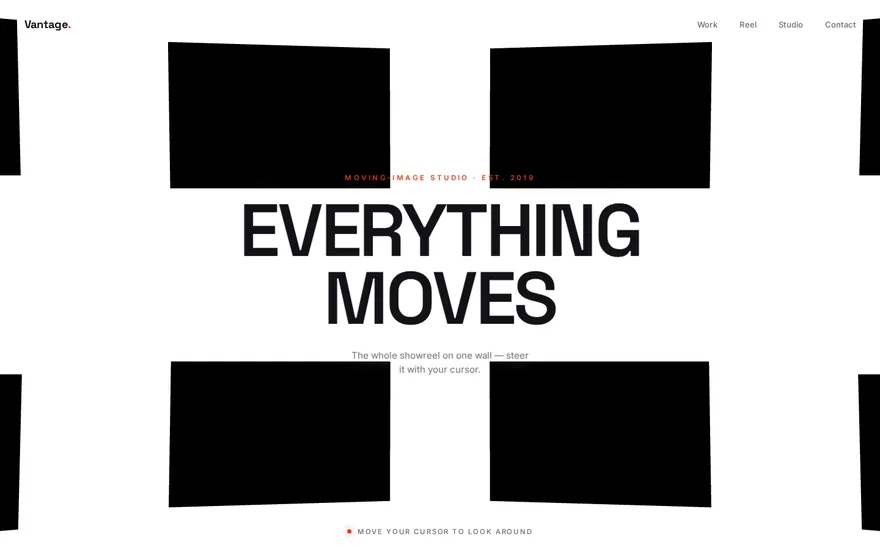
A helix instead of a ring: curved tiles wind down several turns, the camera descends with the scroll and tiles facing away are dimmed in the shader.
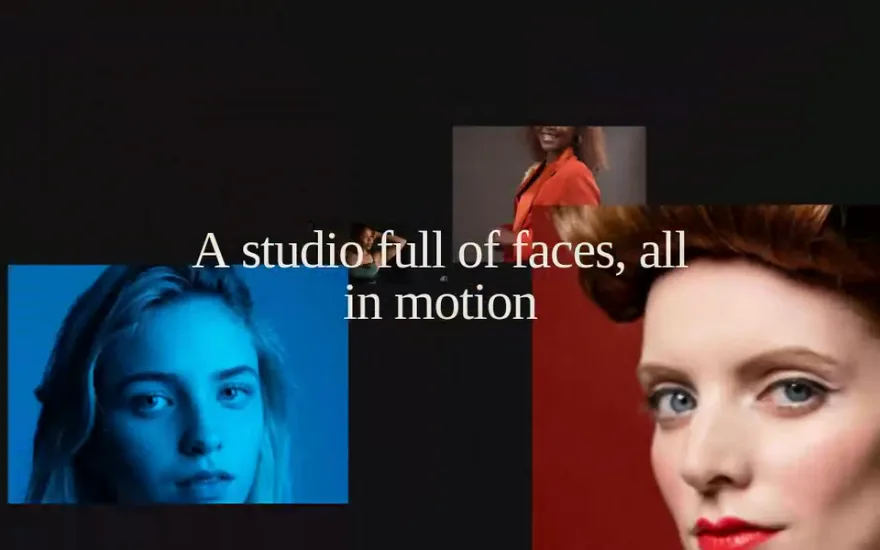
Video textures on a curved wall of planes, with the pointer driving parallax and a slow drift, so the wall feels alive even without scrolling.
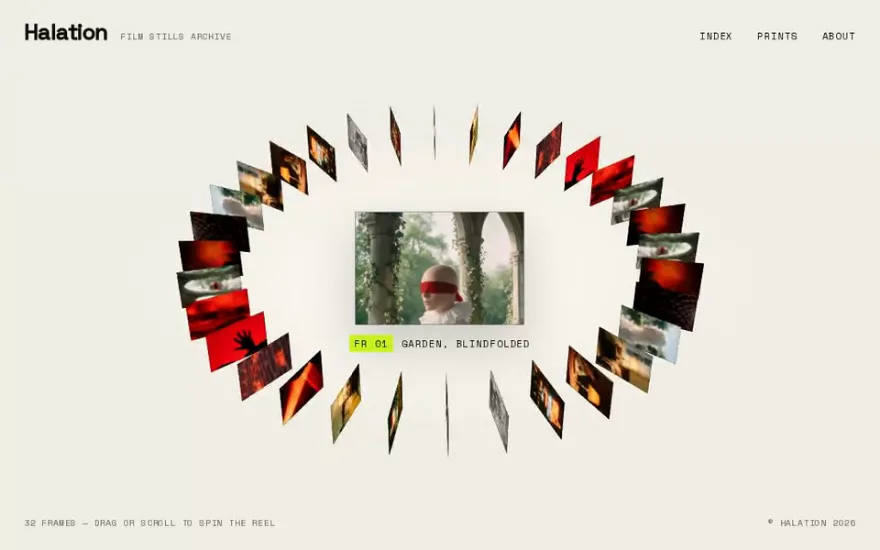
A tilted ring of film stills built with CSS 3D transforms, no WebGL: scroll spins it, drag spins it with inertia, hover picks a still.
Free prompt. Also CSS 3D: images fly out of deep space towards the viewer and scatter as you scroll through a long pinned section.
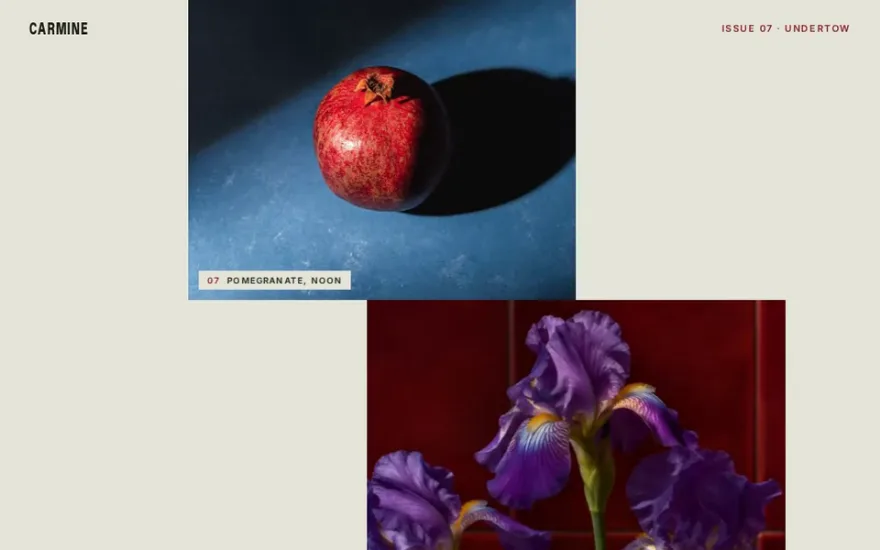
Flat, but in motion: a vertical column of images sways sideways in layered sine waves and each one opens fully as it reaches the centre.
The snippet above is the bare idea. Ashfall 3D Cylinder Gallery is the finished, designed version, and its prompt gives Claude Code, Cursor or any AI coding agent the exact structure, timing and easing to rebuild it in your project. This is how it starts:
# 3D Circular Image Gallery
## Goal
Build a full-viewport **WebGL image gallery** where ~100 curved image tiles are wrapped around the surface of a tall vertical cylinder that **spins slowly and continuously** on its Y axis. Smooth-scrolling drives the camera **vertically** up and down through the stack, and each burst of scroll velocity briefly **accelerates the cylinder's spin** for an inertial, momentum-based feel. The star effect is the endlessly rotating 3D drum of photos that you travel through as you scroll.
## Tech
Vanilla HTML/CSS/JS with ES module imports, bundled by Vite. No framework.
- `three` (npm) — the entire scene is Three.js WebGL. **No GSAP is used.**
- `lenis` (npm) — smooth scroll, whose scroll position and velocity drive the camera and spin.
Import them as:
```js
import * as THREE from "three";
import Lenis from "lenis";
```
…
Premium prompt
Unlock this prompt, and every other one
From $99/year, or $139 once for lifetime access. Commercial license included.
See pricing Or start with the free set Already bought? Sign in
Place each image plane at sin(angle) * radius and cos(angle) * radius on the X and Z axes, rotate it by the same angle on Y, put all planes in a group, and rotate the group.
Yes. With CSS perspective, transform-style: preserve-3d and rotateY plus translateZ on each item, a ring of HTML elements behaves the same way and GSAP can rotate it on scroll. It stays accessible and needs no WebGL.
The texture colour space is not set. Mark photo textures as sRGB with texture.colorSpace = THREE.SRGBColorSpace when you use built in materials.
Read the scroll velocity every frame (ScrollTrigger's getVelocity() or your smooth scroller's velocity), add a fraction of it to the rotation, and let that extra spin decay back to zero over time.