
GSAP image gallery examples
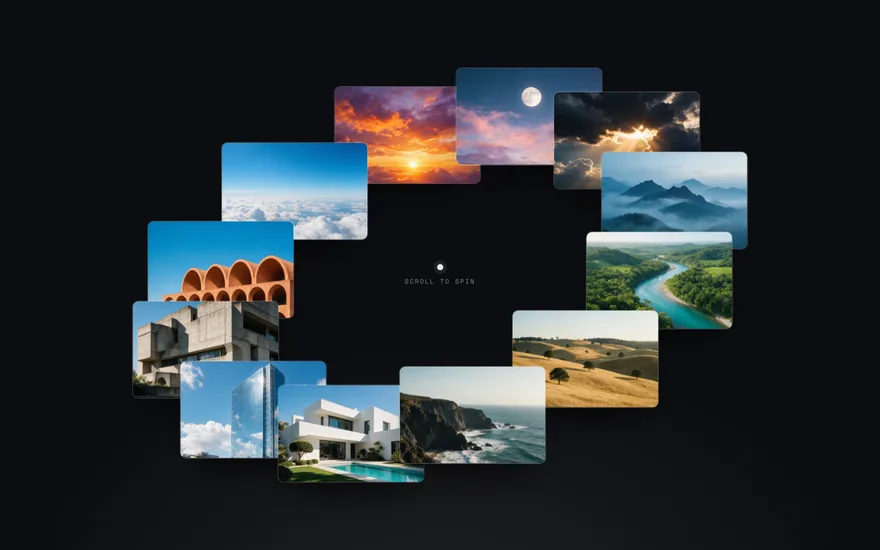
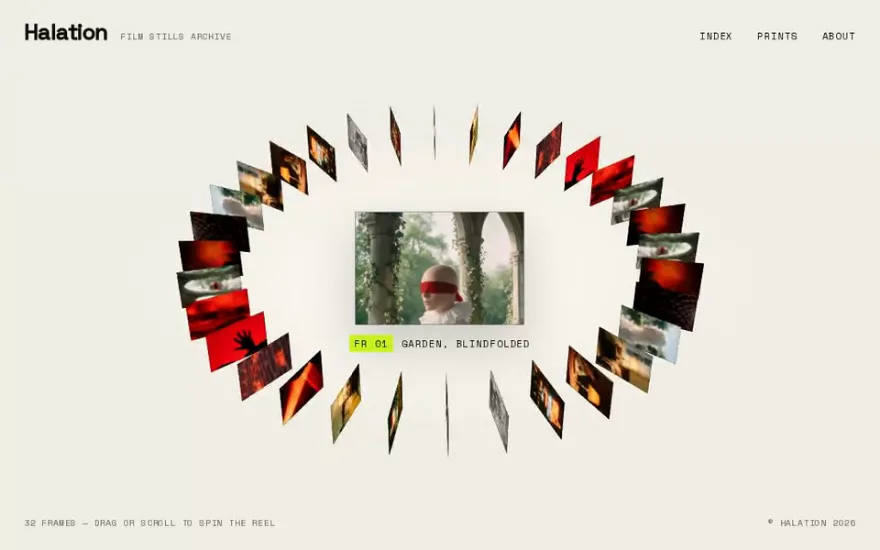
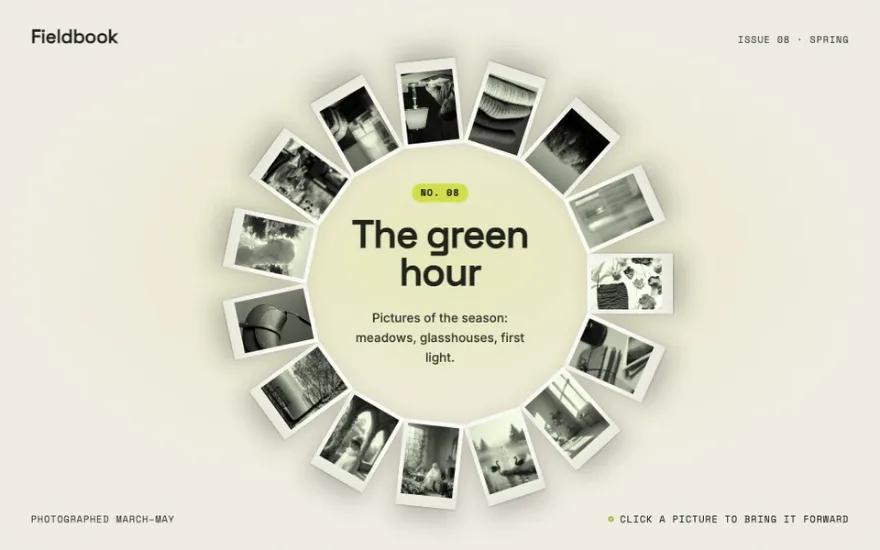
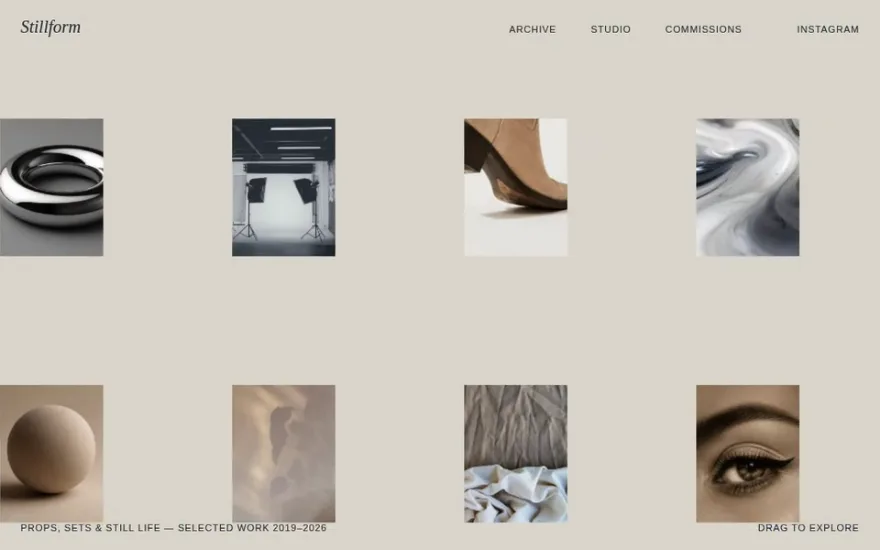
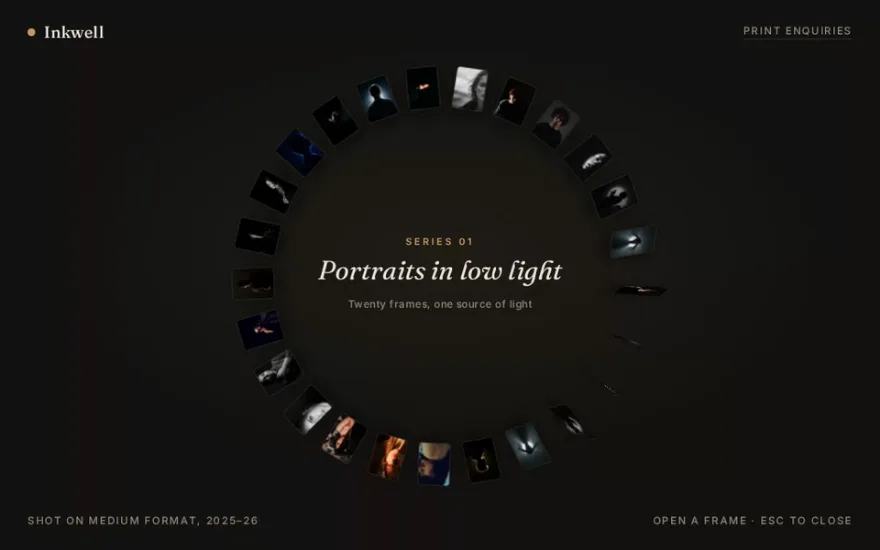
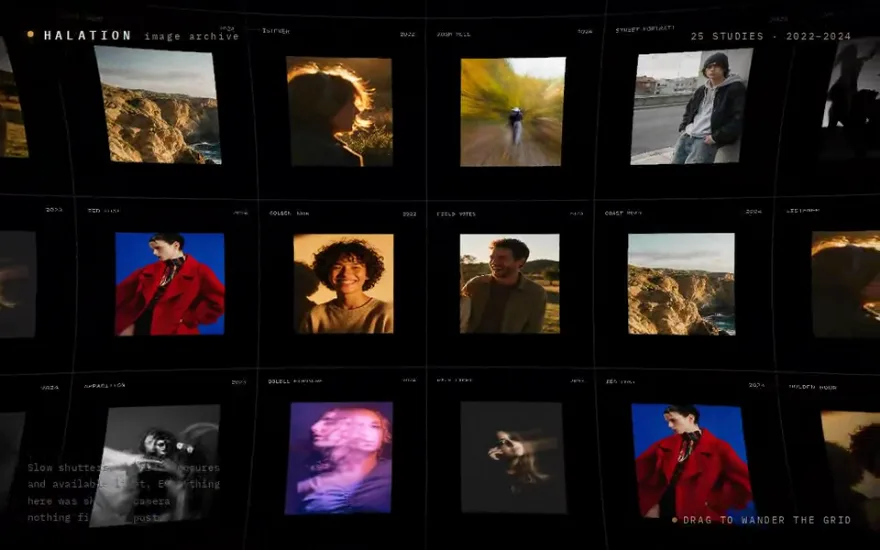
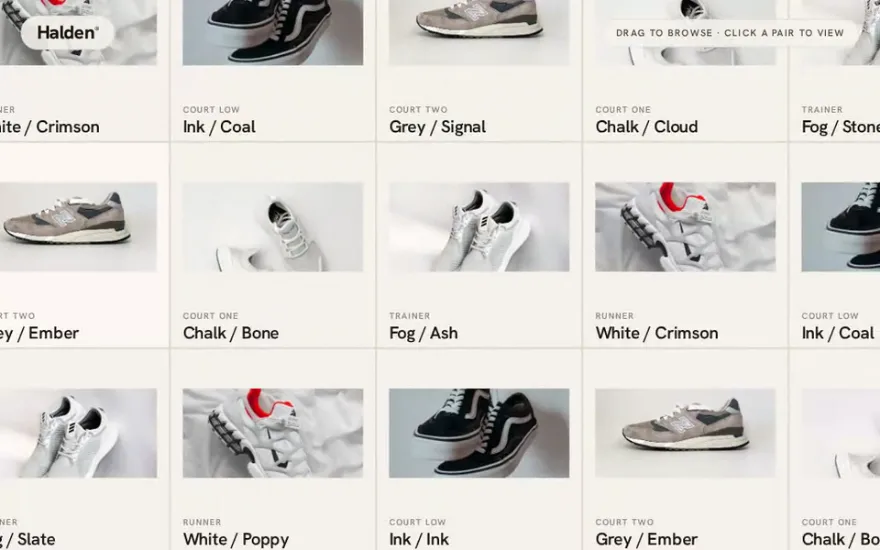
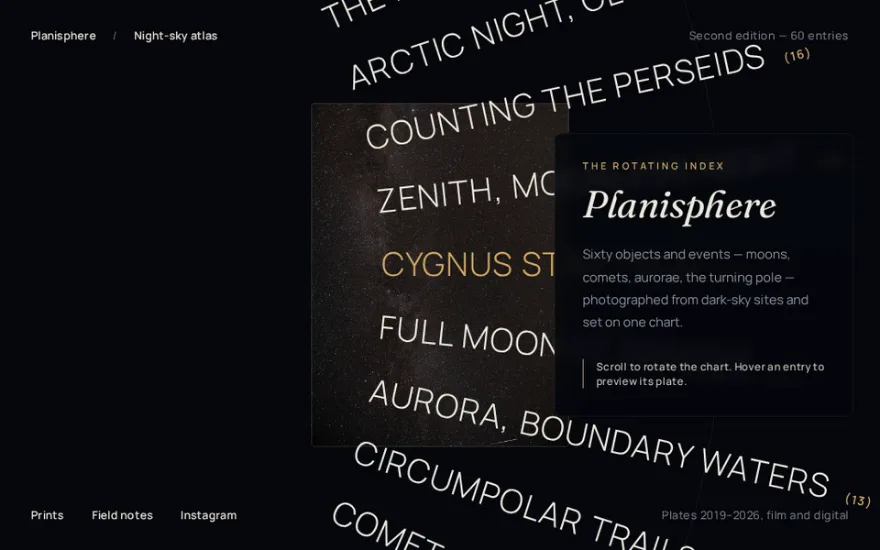
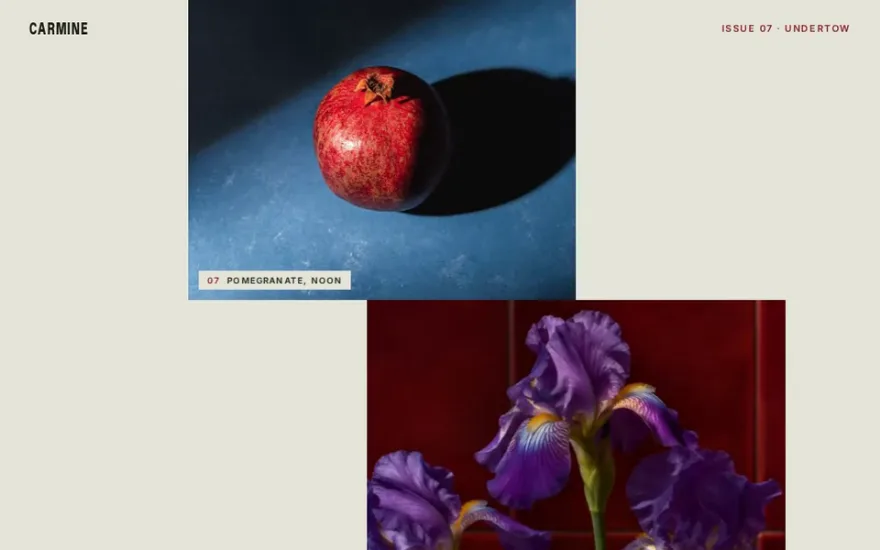
A gallery decides how a portfolio or a shop gets read. These examples go from ordered to exploratory. Infinite draggable grids and pan canvases let visitors wander through a field of images with momentum. Circular, ring and radial layouts arrange the pictures around a centre that turns on scroll or click. Flip-based galleries morph between grid, list and focus views without losing track of each image, and filter galleries reshuffle with a stagger when the category changes.
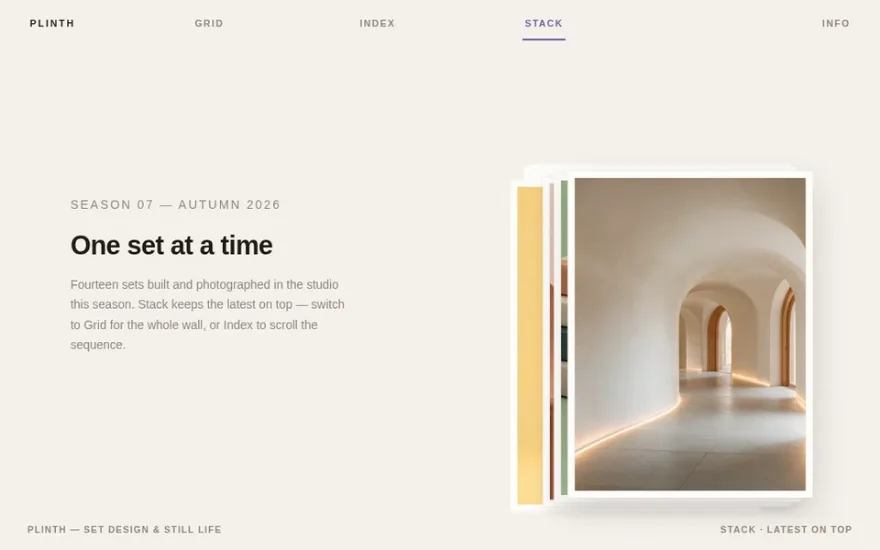
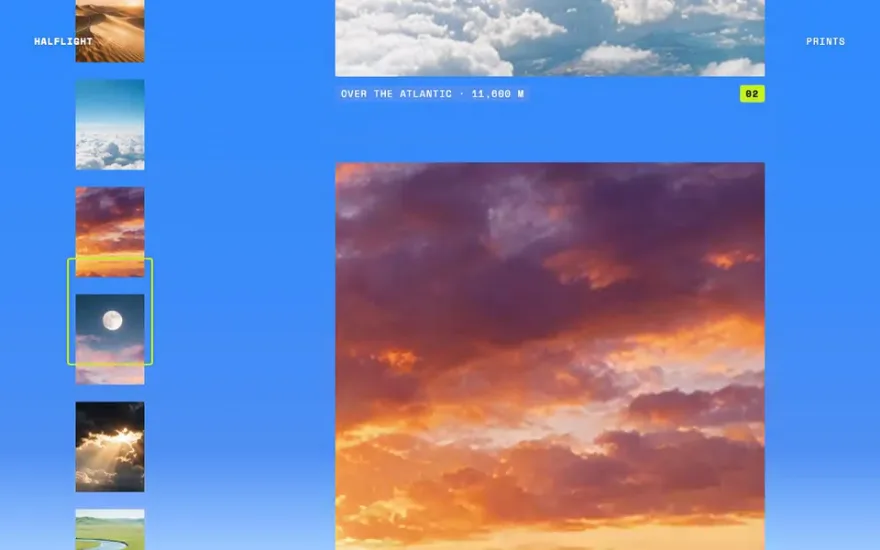
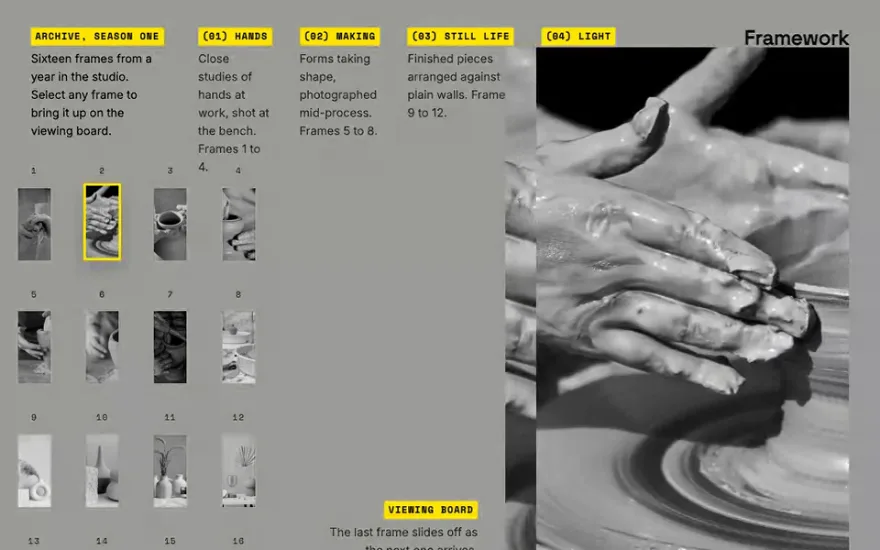
Lightboxes grow an image from its thumbnail to full screen, and minimaps add a small synced overview that shows where the reader is. The WebGL ones treat the gallery as a scene: chromatic aberration lenses, ASCII reveals and draggable infinite planes. Choose a grid with Flip transitions when visitors need to compare items, and a drag or pan canvas when you want them to explore.
The examples









Other categories
- GSAP scroll animation examples
- GSAP menu animation examples
- GSAP slider and carousel examples
- GSAP hover effect examples
- GSAP text animation examples
- GSAP preloader examples
- Page transition examples: GSAP, Barba.js and View Transitions
- GSAP card animation examples
- Three.js and WebGL effect examples
- Interactive cursor and physics effects
- Animated footer examples