
GSAP slider and carousel examples
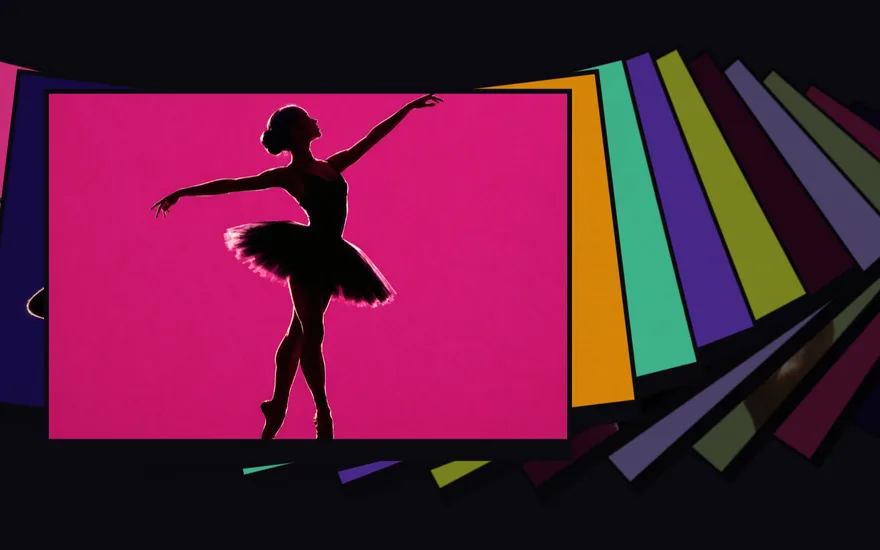
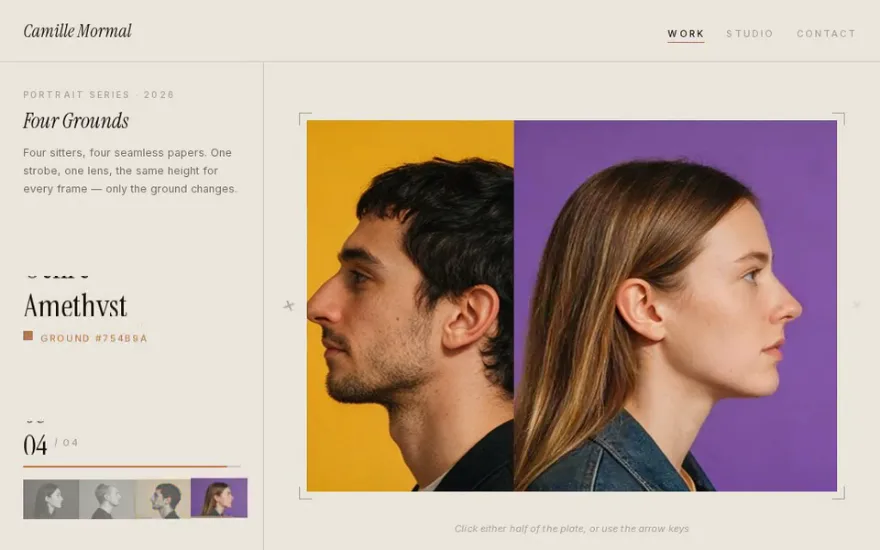
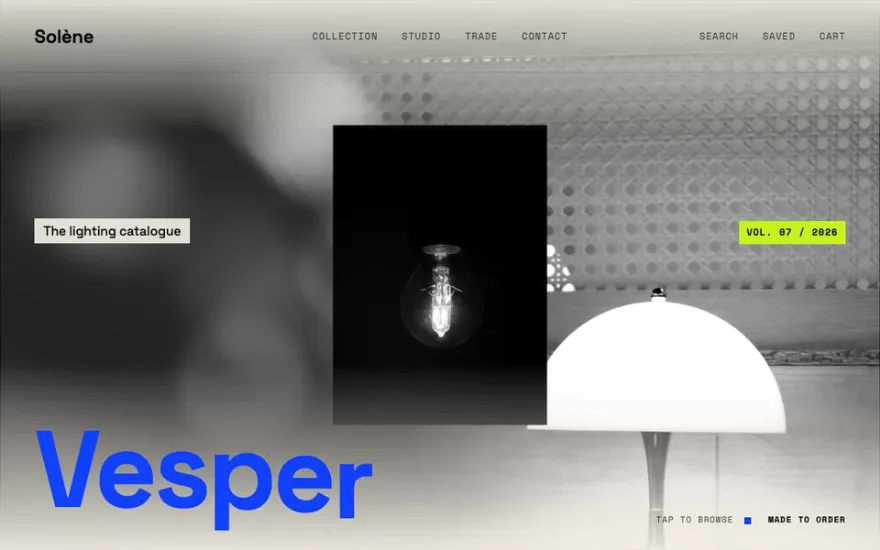
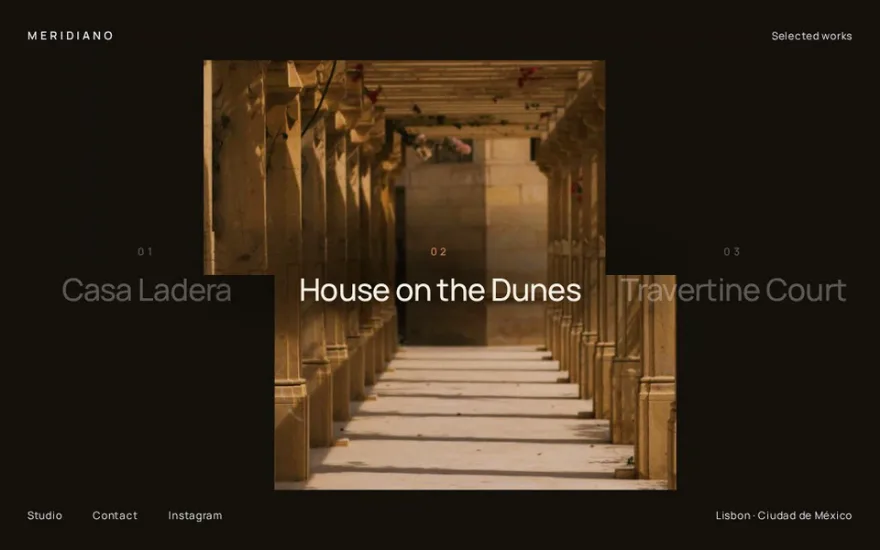
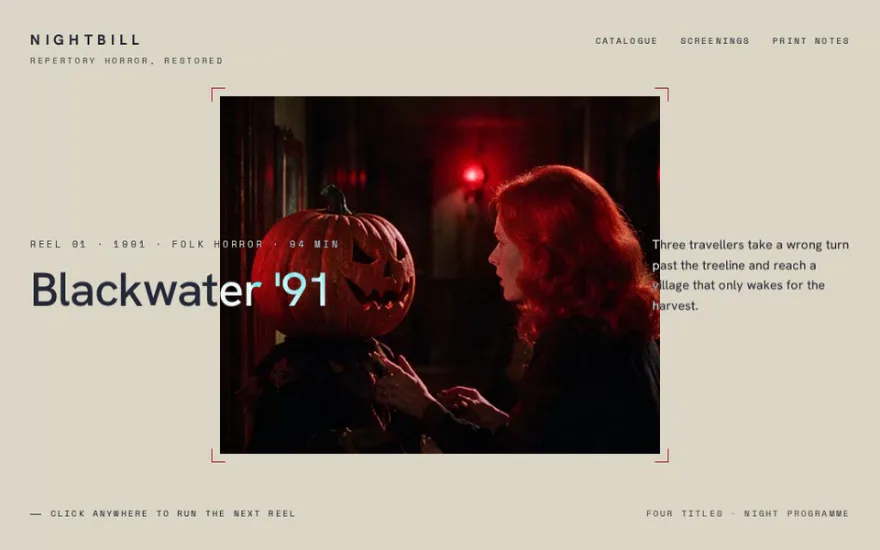
Sliders are where the gap between a template and an award-winning site is widest. Clip-path carousels reveal the next image through a moving mask, often with a CustomEase curve that gives each transition its own rhythm. Infinite sliders loop under drag, wheel or touch and use linear interpolation so the motion keeps its momentum after release. Arc, orbit and depth-stack layouts move the slides along a curve or into the screen instead of sideways.
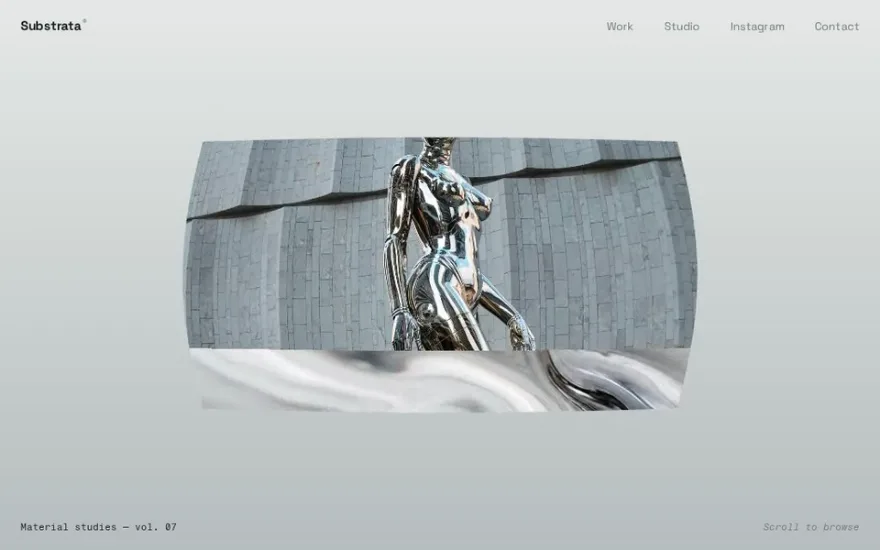
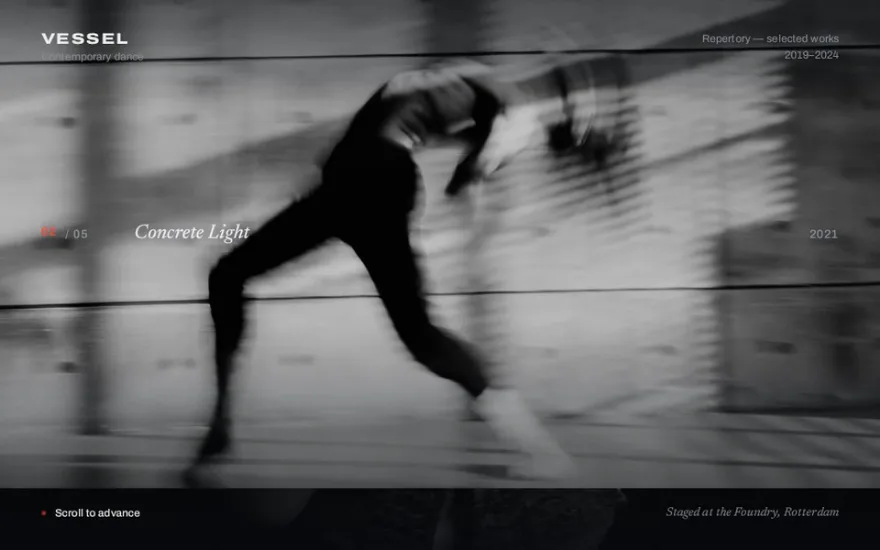
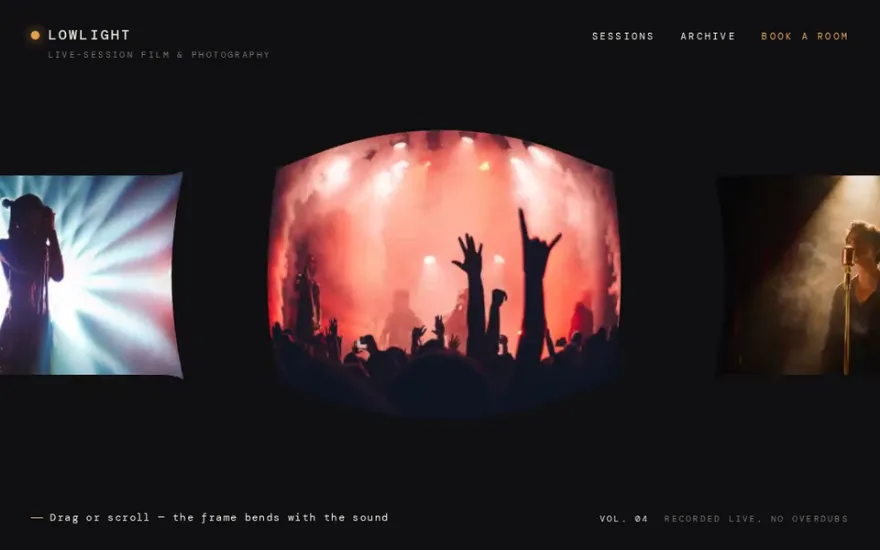
The Three.js sliders render each image as a texture on a WebGL plane, which allows lens warps, ripple displacement and curved distortion that CSS cannot produce. Choose a clip-path or GSAP carousel for portfolios and hero sections, where simple markup and accessibility matter; reach for a WebGL slider when the transition itself is the point and the page can afford the GPU cost. There are also autoplay heroes with a progress indicator and a carousel driven by page scroll.
The examples


















Other categories
- GSAP scroll animation examples
- GSAP menu animation examples
- GSAP hover effect examples
- GSAP text animation examples
- GSAP preloader examples
- Page transition examples: GSAP, Barba.js and View Transitions
- GSAP image gallery examples
- GSAP card animation examples
- Three.js and WebGL effect examples
- Interactive cursor and physics effects
- Animated footer examples