
GSAP hover effect examples
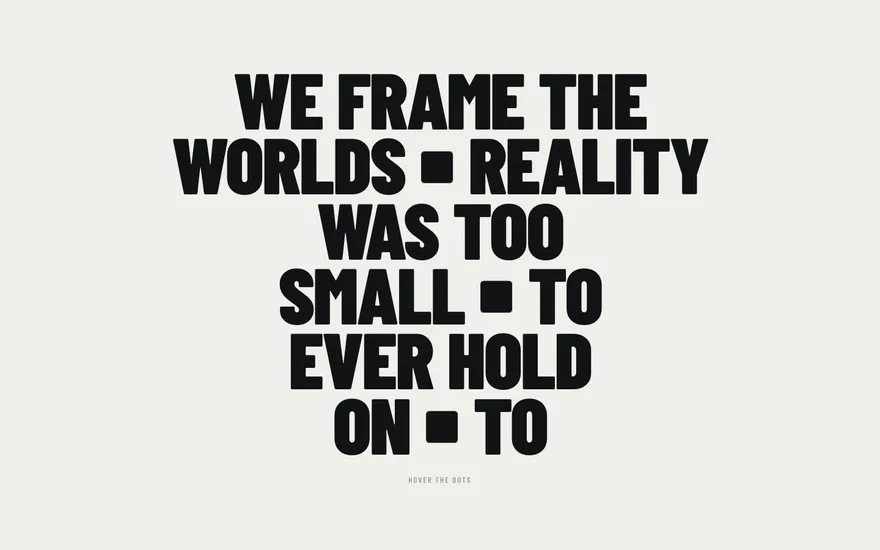
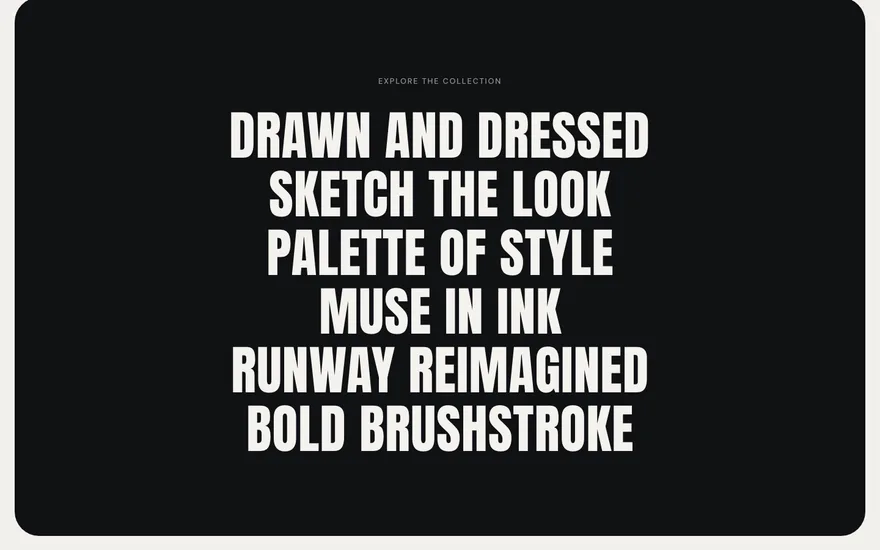
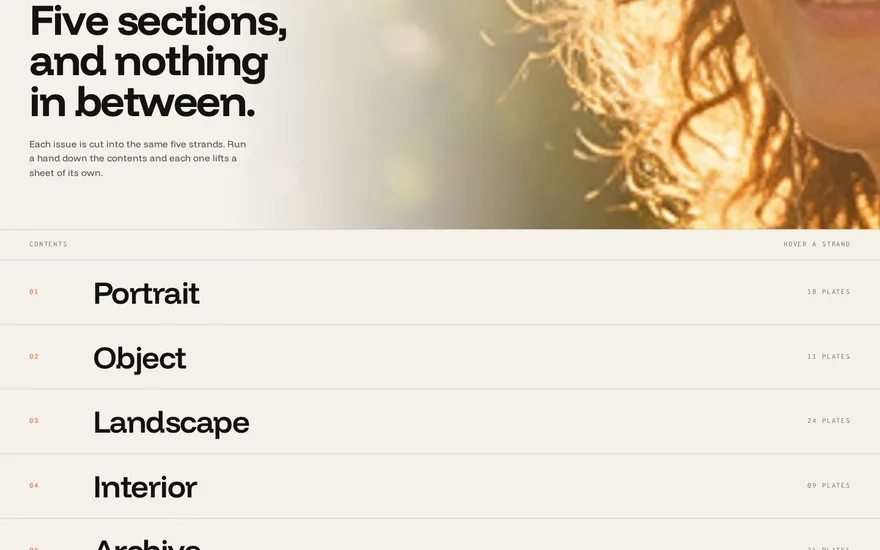
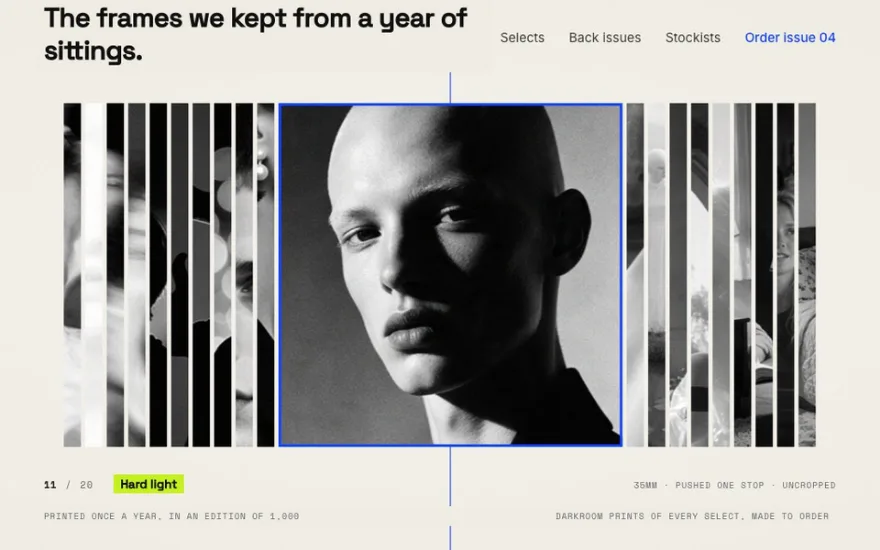
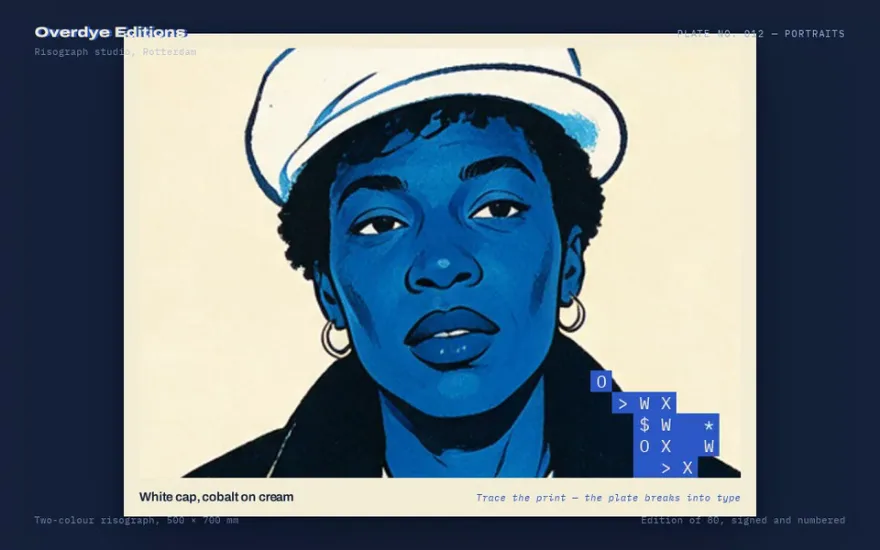
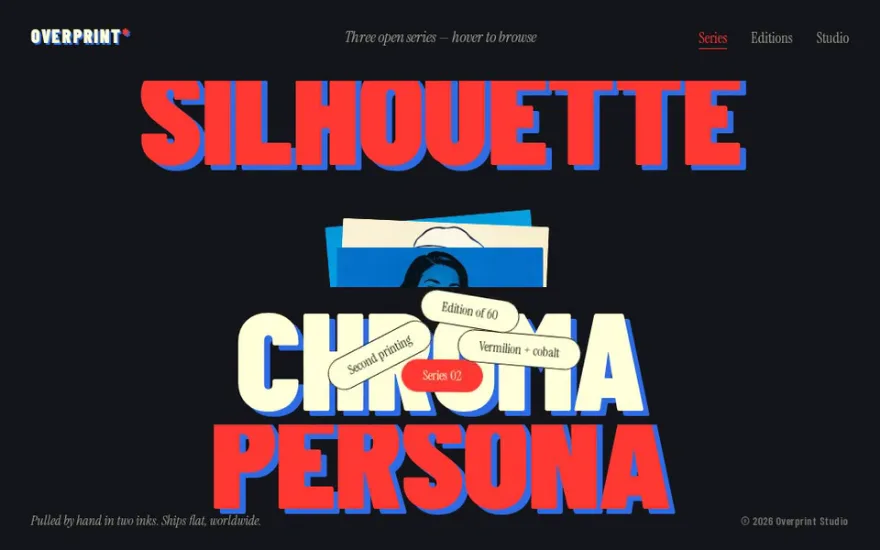
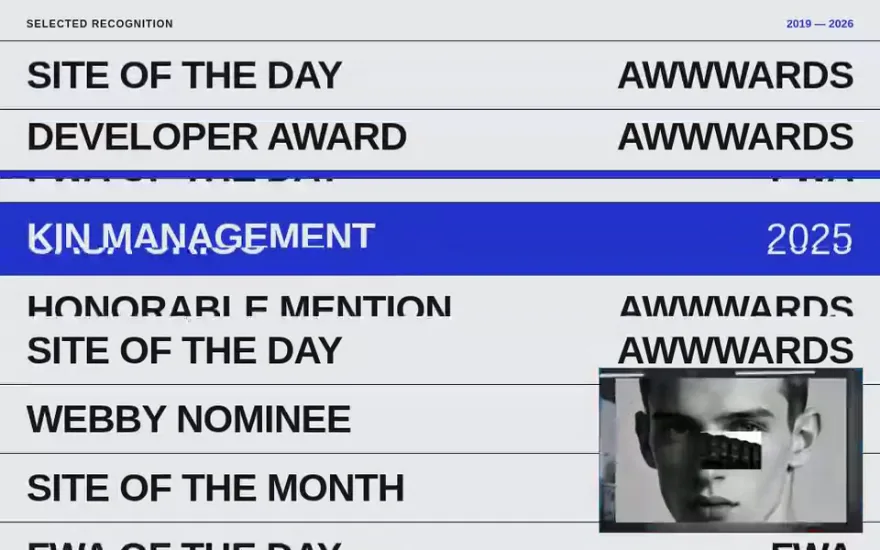
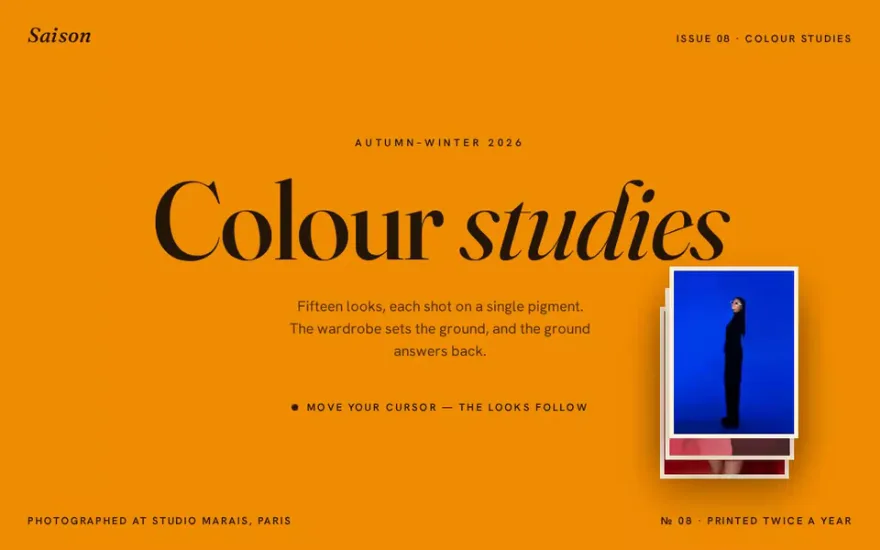
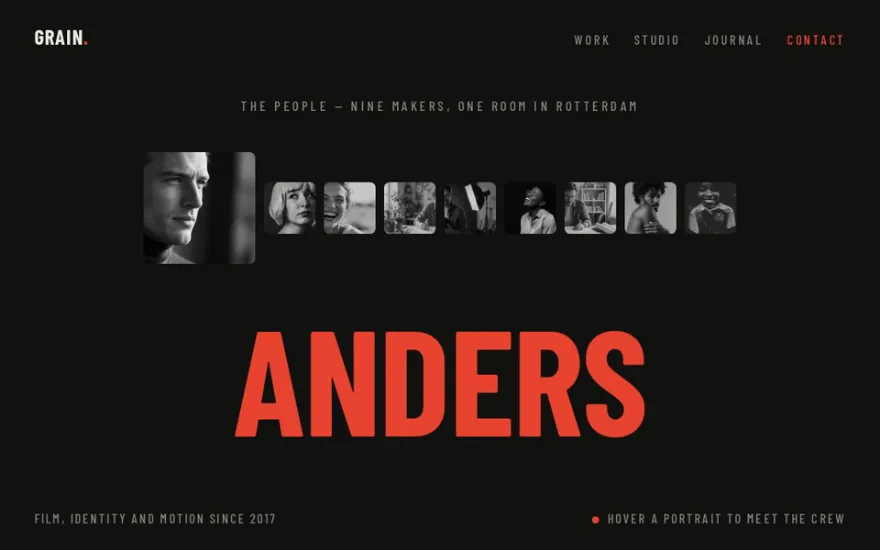
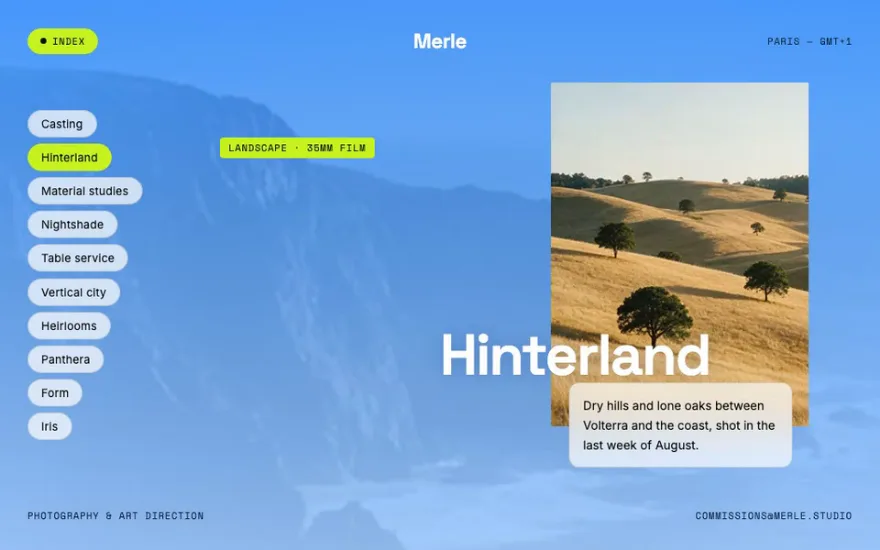
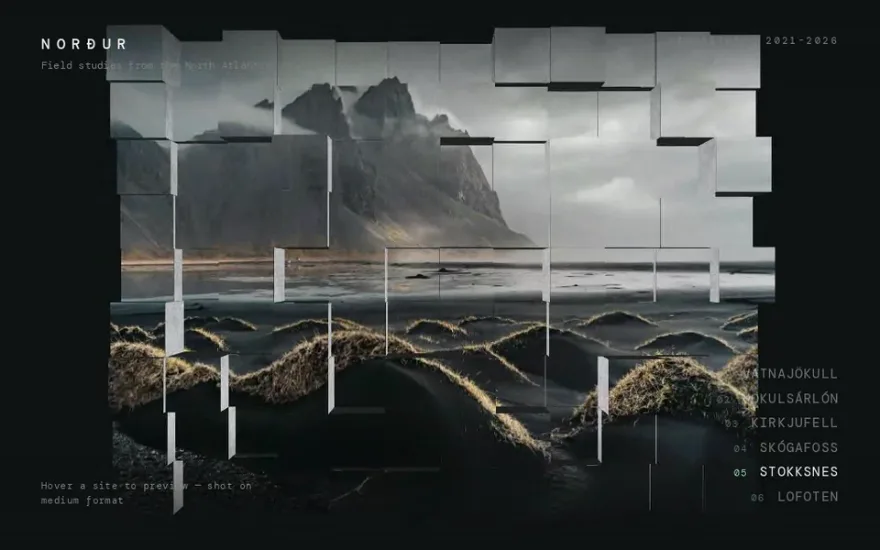
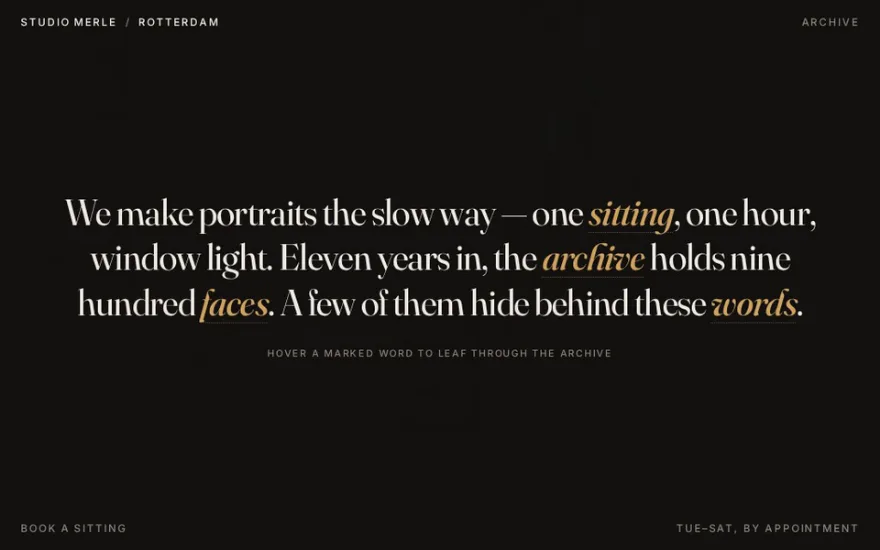
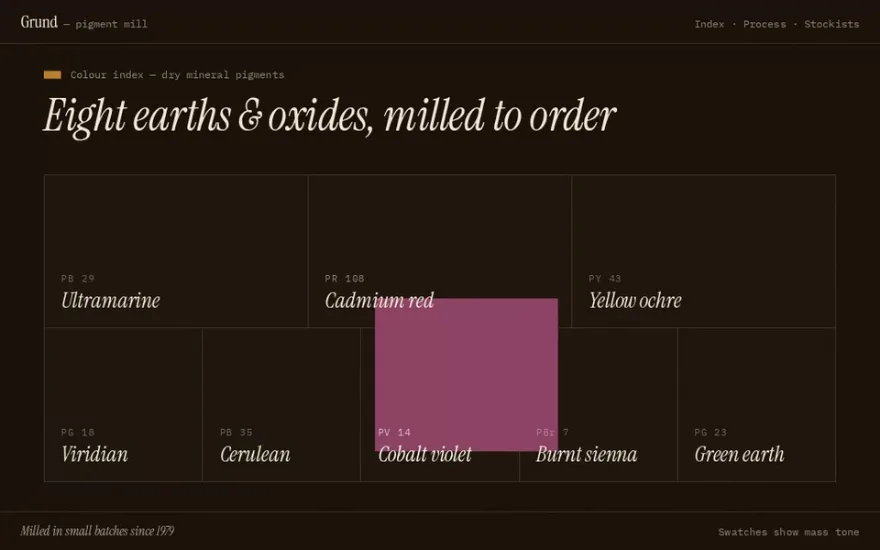
Hover effects reward attention without asking for it, and they are the fastest way to make a list or a grid feel crafted. This category covers image previews that follow the cursor down a work list, direction-aware highlights that enter from the side the pointer came from, and marquee curtains that slide in from the nearest edge. Some swap or scramble text, one draws an SVG scribble over a photo, another flips a mosaic of tiles in 3D.
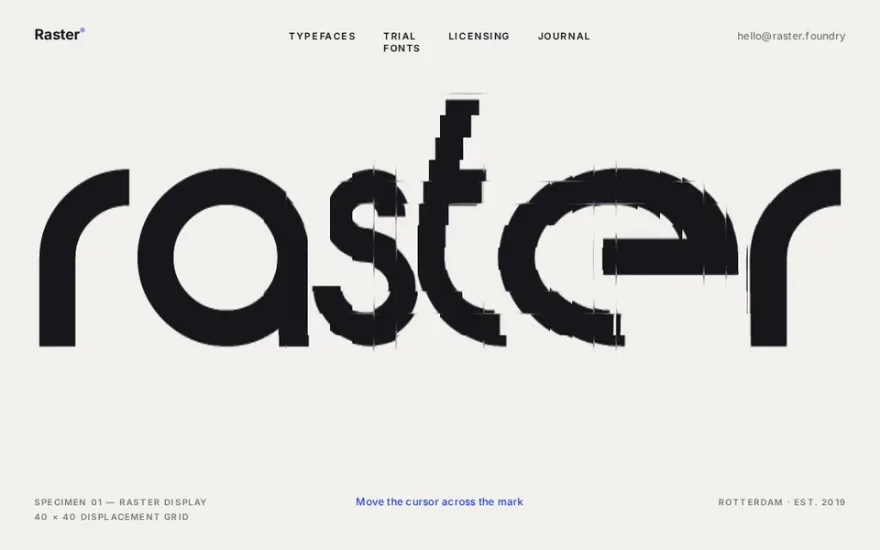
A handful use WebGL shaders for pixelation, inversion lenses and turbulence under the cursor. Cursor-follow previews suit portfolio indexes, direction-aware effects suit dense grids, and shader hovers work best on a single hero element rather than on every card. Touch screens have no hover, so plan a tap state or a reduced version for mobile before you commit to one.
The examples




Other categories
- GSAP scroll animation examples
- GSAP menu animation examples
- GSAP slider and carousel examples
- GSAP text animation examples
- GSAP preloader examples
- Page transition examples: GSAP, Barba.js and View Transitions
- GSAP image gallery examples
- GSAP card animation examples
- Three.js and WebGL effect examples
- Interactive cursor and physics effects
- Animated footer examples