
GSAP menu animation examples
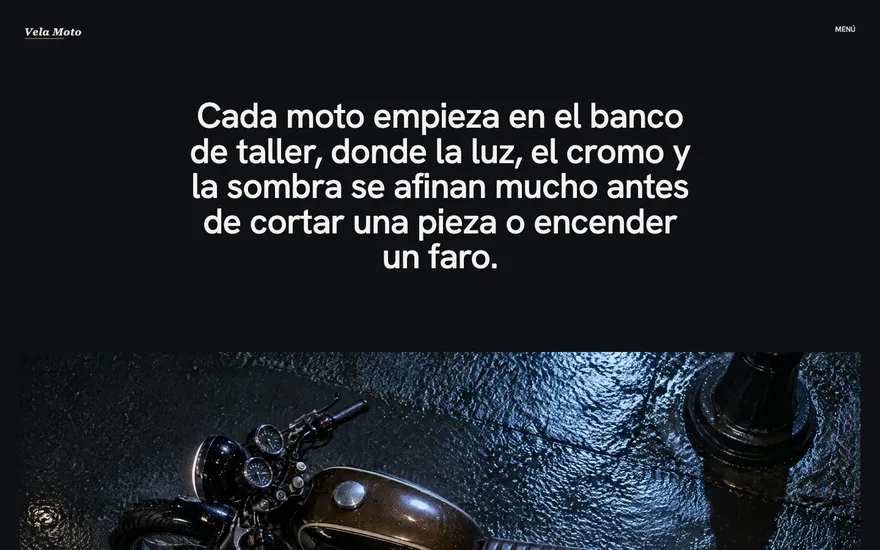
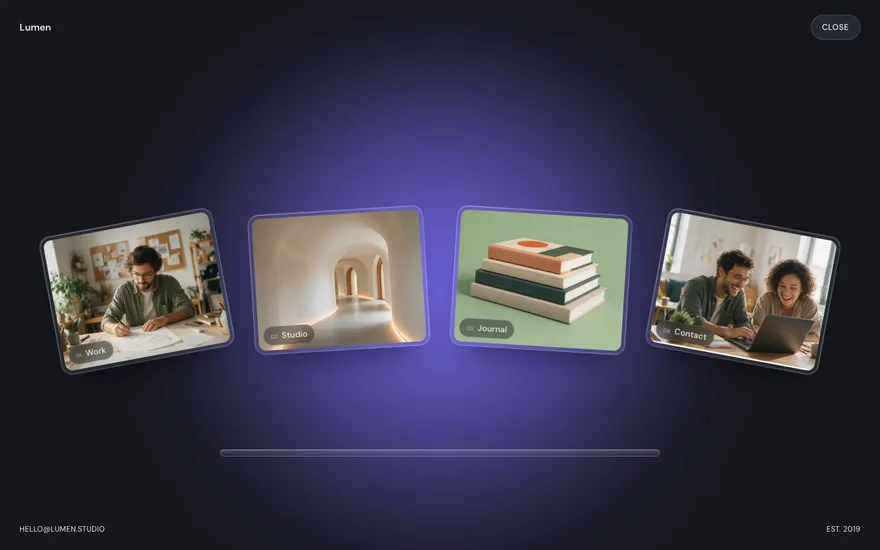
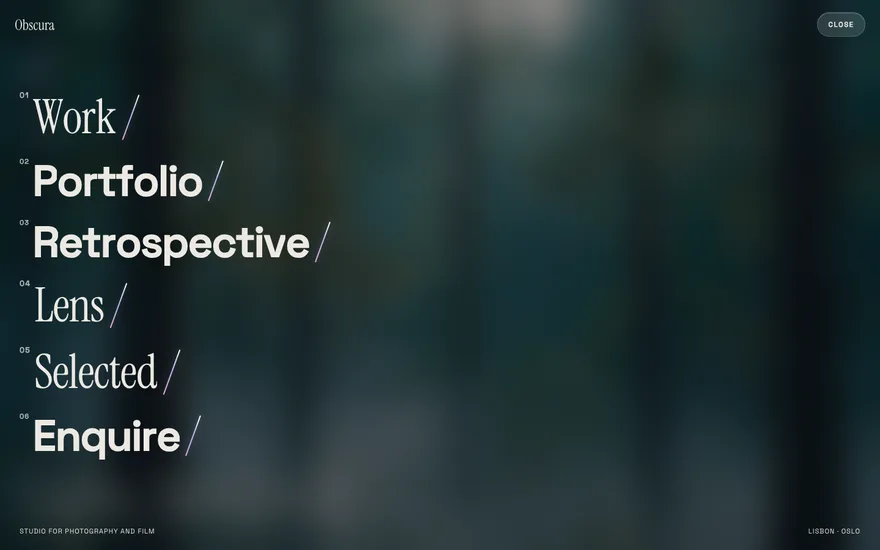
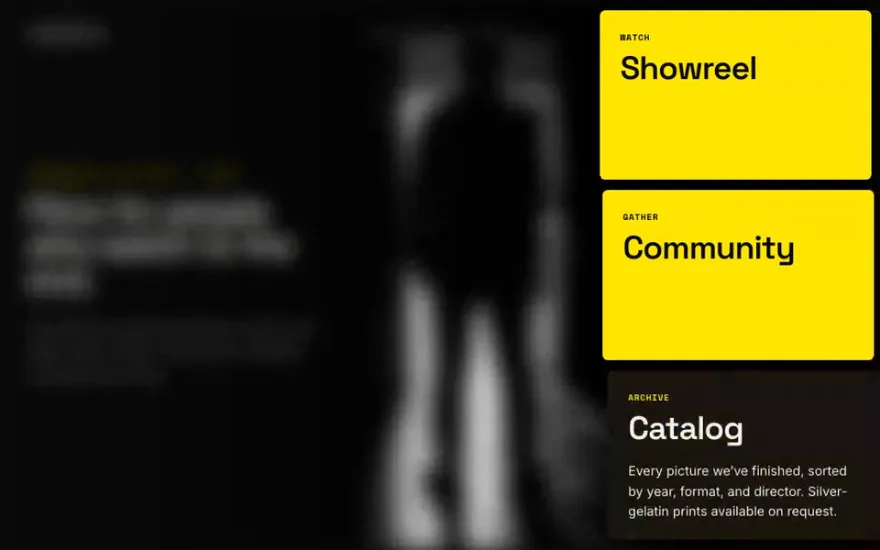
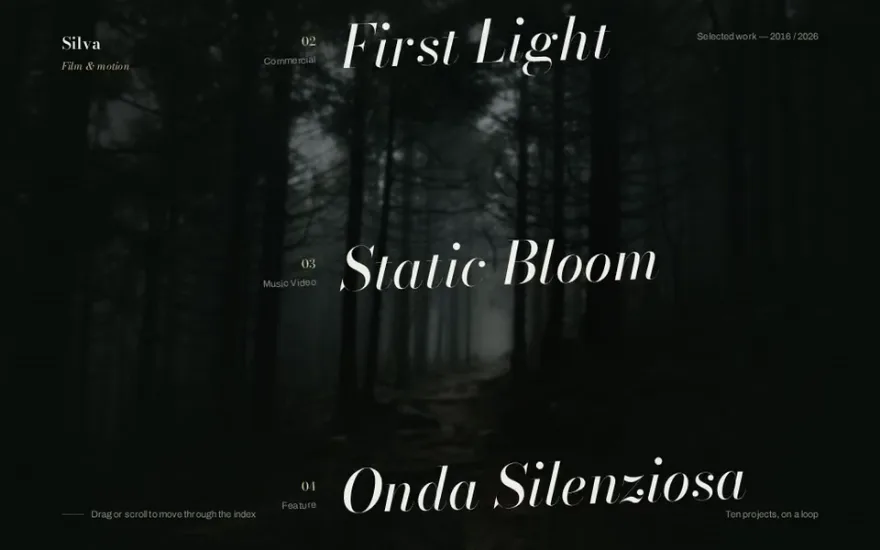
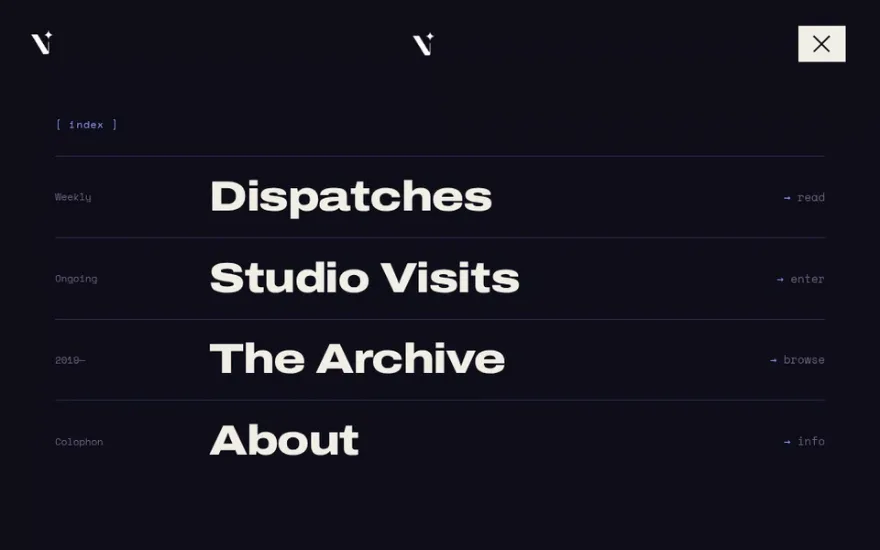
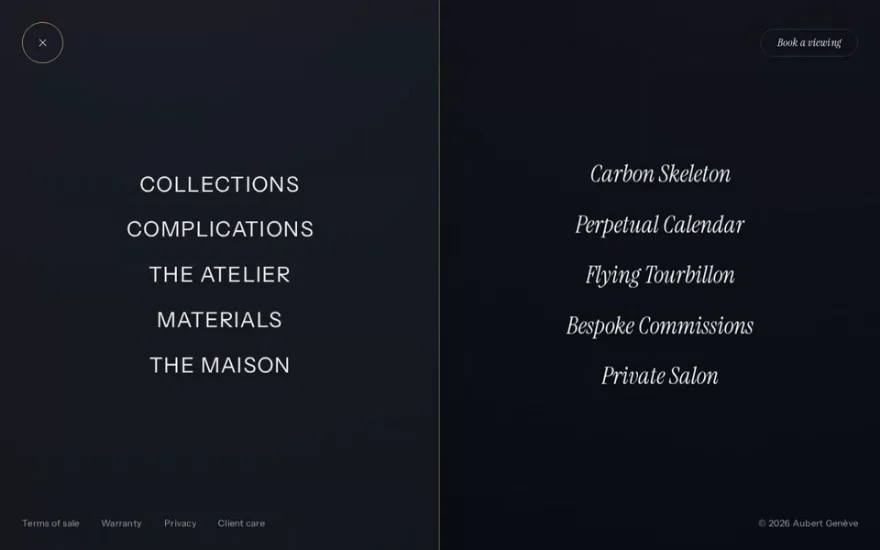
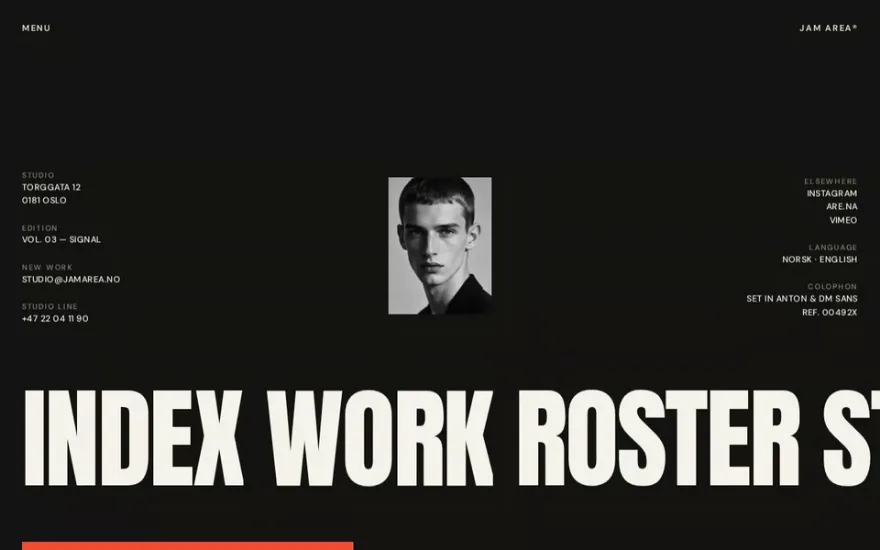
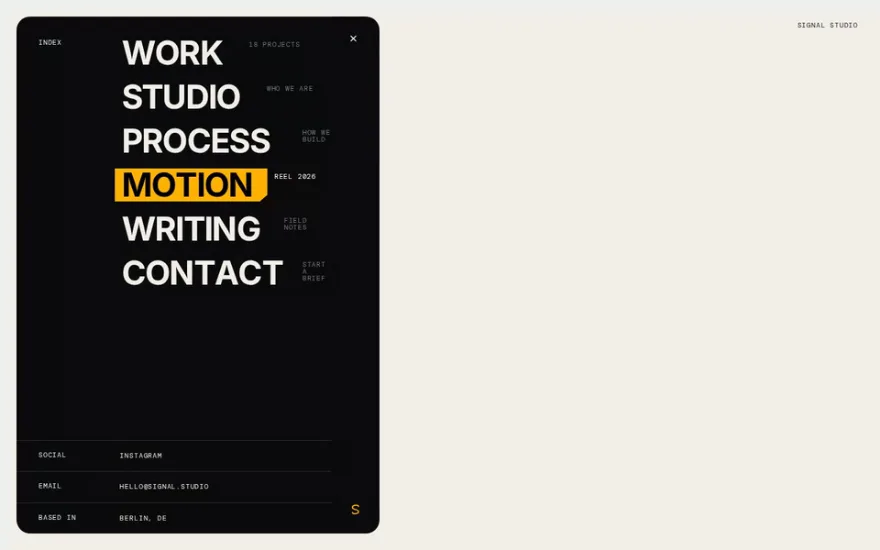
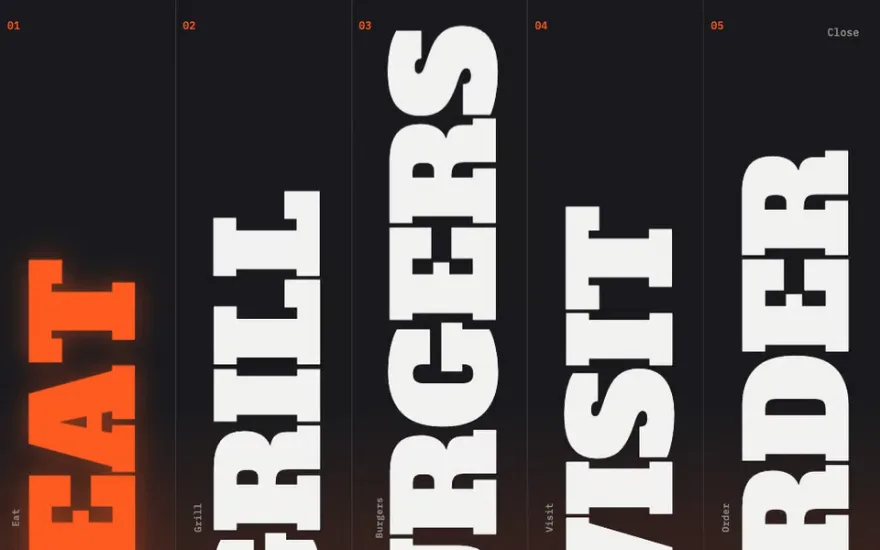
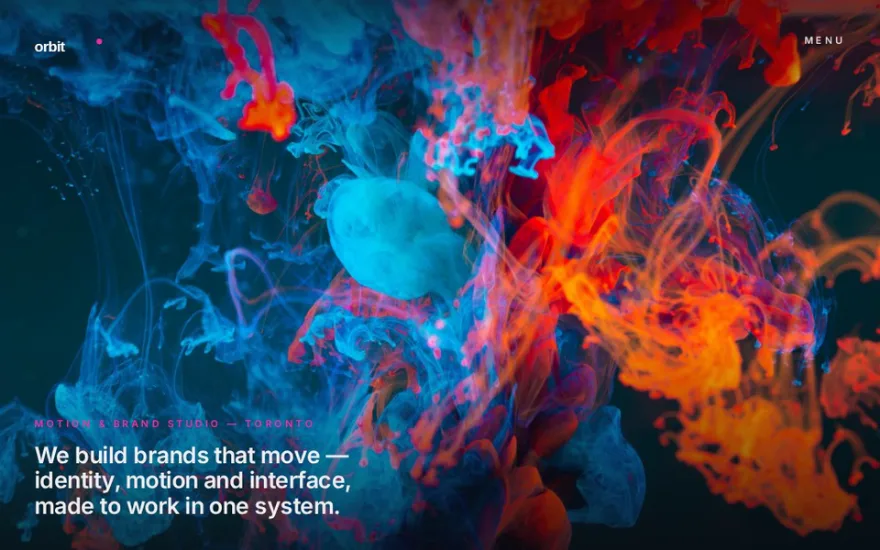
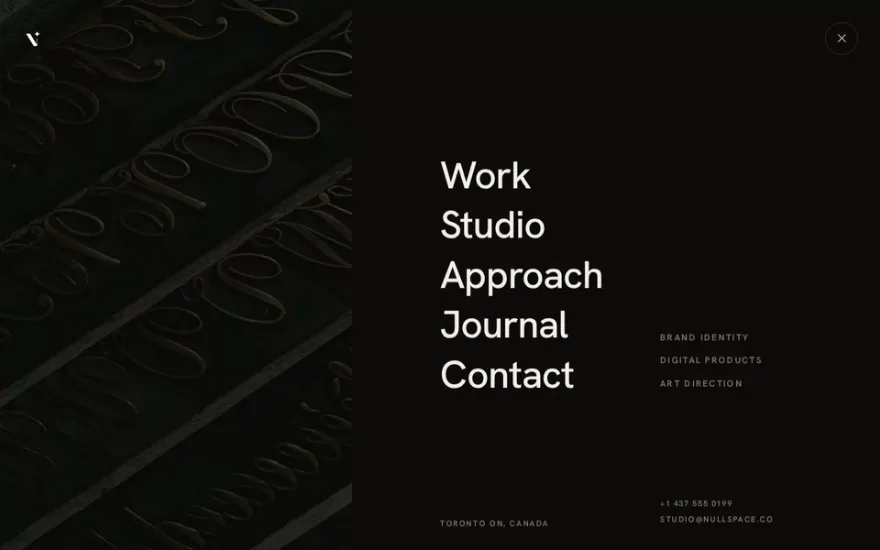
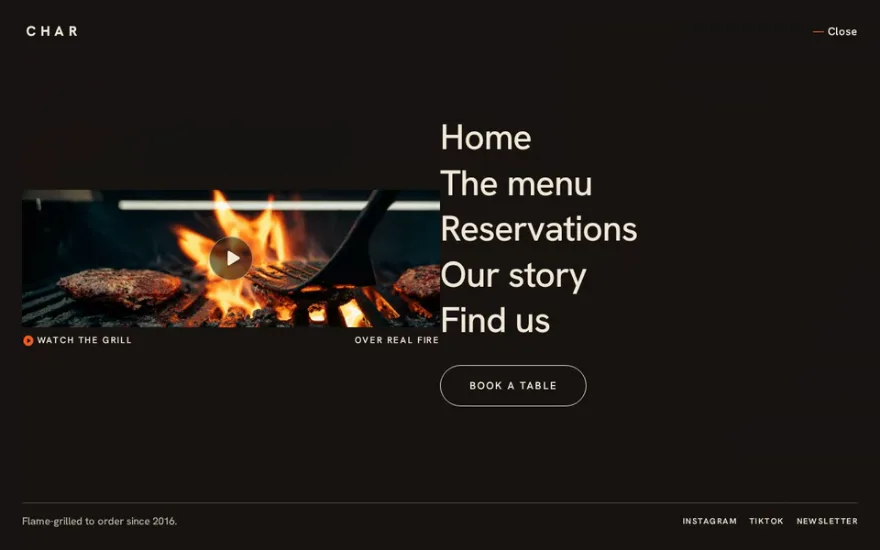
Navigation is the one animation every visitor triggers, so these menus are built to feel quick. Most are fullscreen overlays: a clip-path wipe or a curtain opens the panel, then the links rise line by line from SplitText masks with a stagger. Others push the page aside instead of covering it, slide a sidebar in from the edge, or collapse the page to a point while the menu comes forward out of a blur.
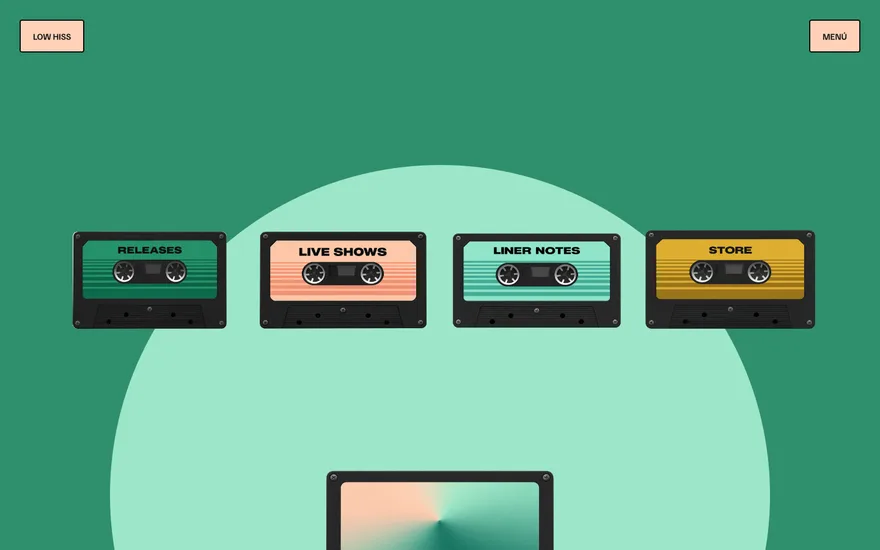
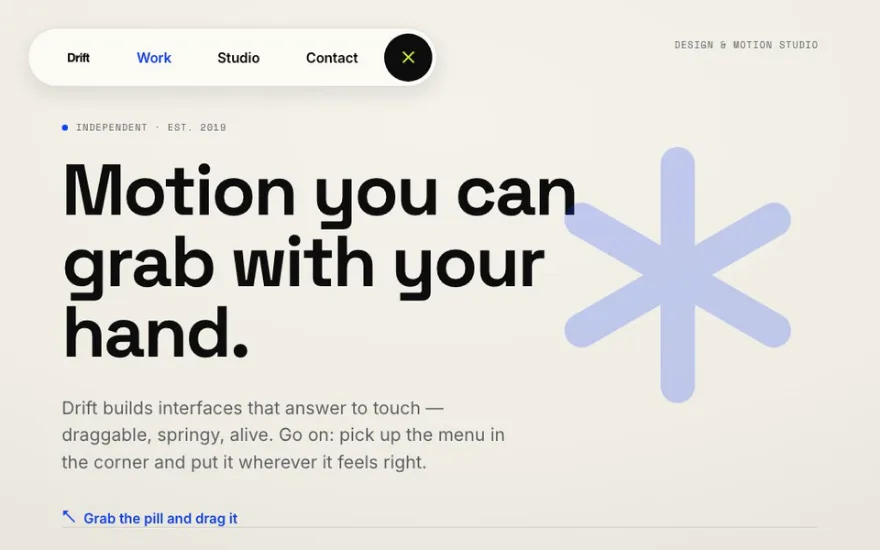
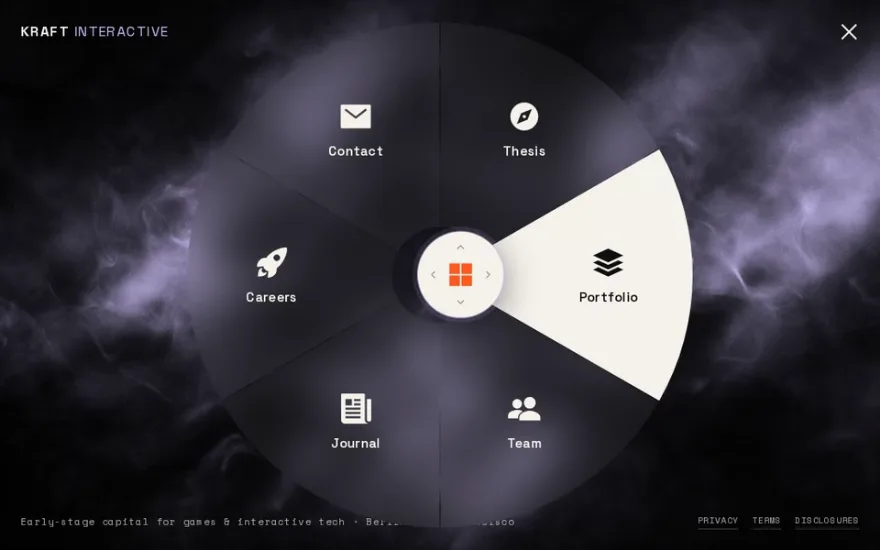
A few are playful: a pill you can drag around the screen, a circular navigation steered with a joystick, a gooey SVG curtain, a tape player that slides in while the menu cassettes fan out. Pick an overlay when the menu carries brand weight and can take the whole screen, and a push or sidebar menu when the visitor needs to keep their place on the page. What separates these from a hand-rolled menu is usually the closing animation and the hover state of each link, so watch both in the demos.
The examples


Other categories
- GSAP scroll animation examples
- GSAP slider and carousel examples
- GSAP hover effect examples
- GSAP text animation examples
- GSAP preloader examples
- Page transition examples: GSAP, Barba.js and View Transitions
- GSAP image gallery examples
- GSAP card animation examples
- Three.js and WebGL effect examples
- Interactive cursor and physics effects
- Animated footer examples