Text Reveal Animation
Free promptThe live example above, with a free prompt. Characters slide in with a slight skew, and one page shows the same reveal on load, on scroll and scrubbed, side by side.
A text reveal on scroll splits a heading or paragraph into lines, words or characters, hides each piece just outside a clipping mask and animates it into place when the block scrolls into view. With GSAP you need two plugins for it: SplitText cuts the text into elements you can animate, and ScrollTrigger decides when the animation runs or ties its progress to the scrollbar. Both are part of the free GSAP package since version 3.13.
What to split. Lines are the most readable choice for paragraphs: the text arrives as it will be read and nothing jumps around once it settles. Words suit short statements that you want to light up as the reader moves through them. Characters only work for short display headlines; on a paragraph they turn into noise and slow the page down.
How to hide it. The classic look is a mask: each line is wrapped in an element with overflow: clip, and the line itself starts pushed down by its own height, so it sits just below the visible slot. Animating it back to zero makes the text rise out of nowhere. Opacity, blur or a skew can be layered on top, but the mask is what gives the clean editorial feel.
When it plays. A triggered reveal fires once when the block crosses a point in the viewport and then stays put. A scrubbed reveal maps the scroll position to the animation progress, so it moves backwards when the reader scrolls up. Triggered reveals are calmer and better for long reading pages; scrubbed ones work for a single statement in a pinned section.
This is the smallest reliable version of a masked line reveal. It waits for the web fonts, splits each element marked with data-reveal into masked lines and lets SplitText rebuild the split when the width changes.
import gsap from "gsap";
import { SplitText } from "gsap/SplitText";
import { ScrollTrigger } from "gsap/ScrollTrigger";

gsap.registerPlugin(SplitText, ScrollTrigger);

document.fonts.ready.then(() => {
  document.querySelectorAll("[data-reveal]").forEach((el) => {
    SplitText.create(el, {
      type: "lines",
      mask: "lines",
      autoSplit: true,
      onSplit: (self) =>
        gsap.from(self.lines, {
          yPercent: 100,
          duration: 0.9,
          stagger: 0.08,
          ease: "power4.out",
          scrollTrigger: { trigger: el, start: "top 80%", once: true },
        }),
    });
  });
});
Returning the tween from onSplit matters: when the layout changes and the text is split again, SplitText reverts the old animation and starts the new one from the same point, so the masks never cut through the middle of a word. To scrub the reveal instead, drop once and add scrub: true with an end value, and split by words if the block is a single sentence.
Add one line of CSS so the text is not visible for a frame before the script runs: give [data-reveal] visibility: hidden and set it back to visible as the first step of onSplit.
Fonts. Lines are measured when the text is split. If the fallback font is still showing, the line breaks land in different places and the real font then overflows the masks. Waiting for document.fonts.ready fixes most cases; for a font that loads late on purpose, split after that specific face has loaded.
Resizing. Every width change can move the line breaks. Without autoSplit, a reveal that looked perfect on a laptop leaves broken masks after rotating a phone. If you build the split yourself, debounce the resize, revert the split, split again and recreate the trigger.
Smooth scrolling. With Lenis or another smooth scroller, ScrollTrigger has to read the same scroll position the page is showing. Connect them once at start up by calling ScrollTrigger.update from the scroller's scroll event, or the triggers fire late and the reveal looks out of sync.
Layout details. Split lines inherit text indentation, letter spacing and inline styles, and some of them do not survive the split. A first line indent ends up on every line, and inline links can break across two masks. Check the split on the real copy, not on placeholder text.
Accessibility. A screen reader should hear the sentence, not twenty separate fragments. SplitText adds an aria-label with the full text to the parent and hides the pieces from assistive technology by default; keep that behavior. Respect prefers-reduced-motion with a branch that shows the copy immediately, and never leave important text hidden until a scroll event that might not arrive.
Animate transform and opacity only, and the reveal costs almost nothing even on modest phones. What gets expensive is the number of elements: splitting a long article into characters creates thousands of nodes. Split by lines for body copy, keep characters for headlines, and use once: true so finished triggers stop listening.
Each one has a live demo and a validated AI prompt that rebuilds it in your project.
The live example above, with a free prompt. Characters slide in with a slight skew, and one page shows the same reveal on load, on scroll and scrubbed, side by side.
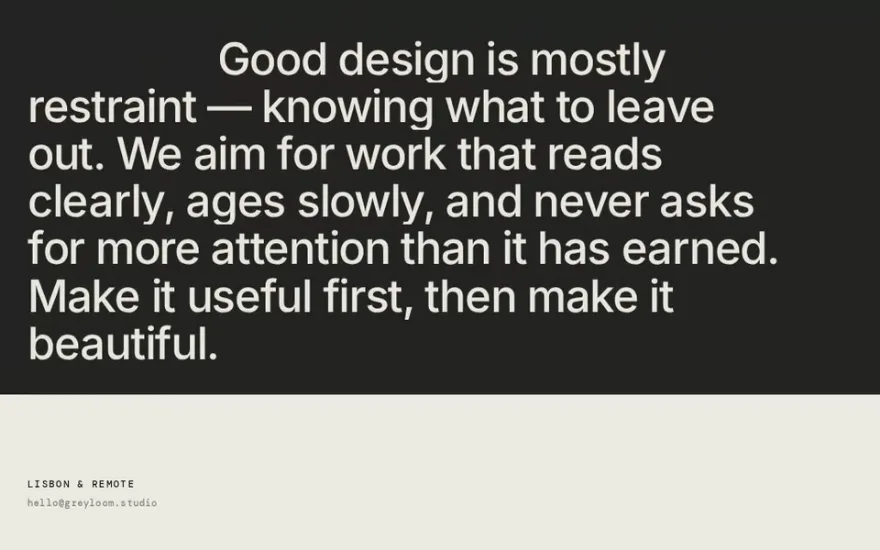
The reference version of the masked line reveal: every heading and paragraph opts in through a data attribute, so new copy gets the effect with markup alone.
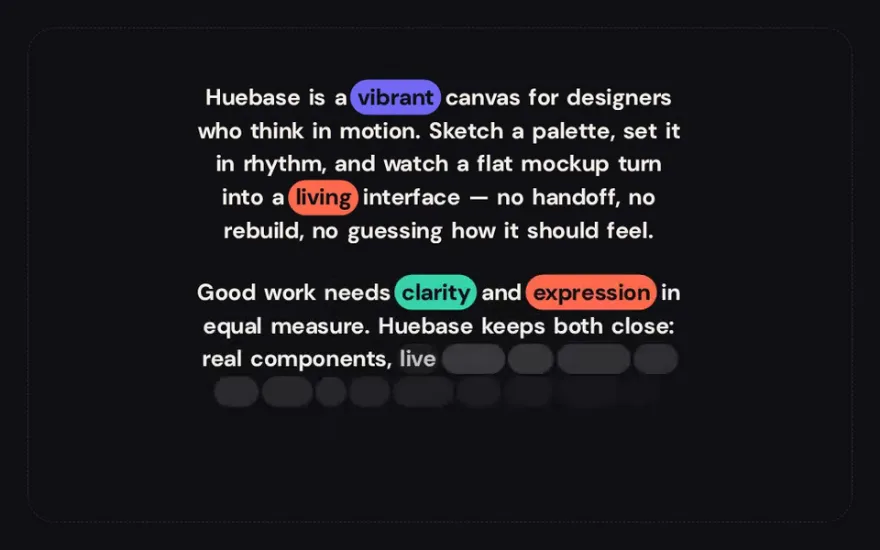
Scrubbed instead of triggered: the section pins and each word fills in as the reader scrolls, with a few keywords landing inside colored pills.
Lines start as a heavy blur and an SVG threshold filter turns the soft edges into liquid, so the text seems to condense out of ink.
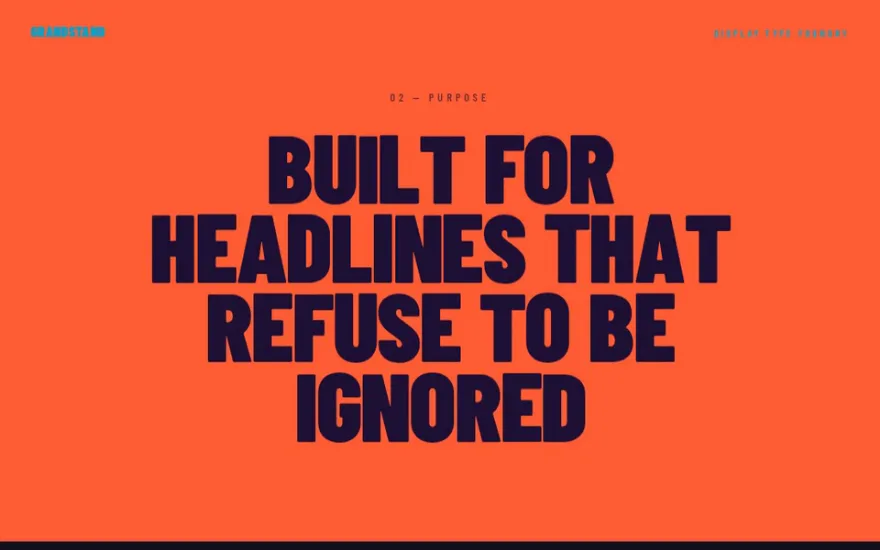
Display type for a pinned sequence: giant words stretch open vertically with the scroll and the last one scales up to become a window onto a photo.
Nothing moves in space here. The scroll drives the weight axis of a variable font, so headings thicken letter by letter between image marquees.
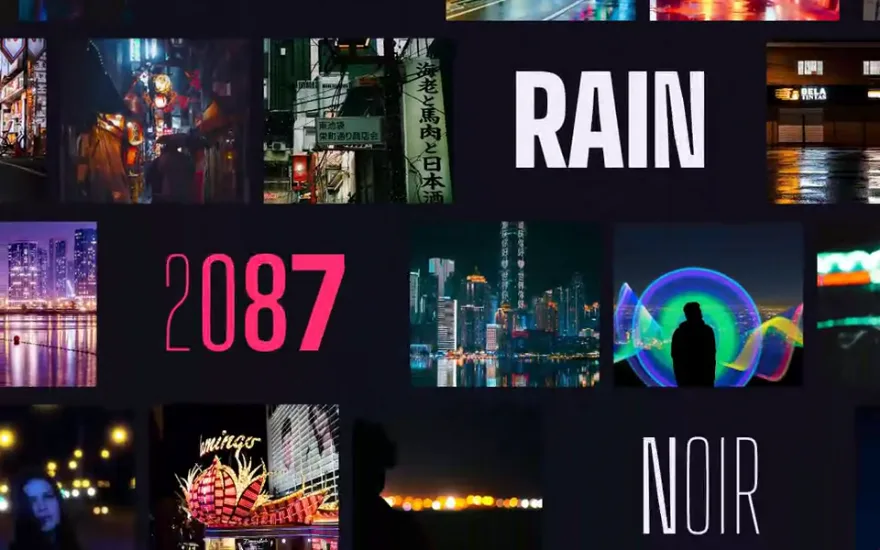
A hollow outlined word over a photograph is wiped into a second copy filled with that same photograph, aligned to the pixel.
The snippet above is the bare idea. Text Reveal Animation is the finished, designed version, and its prompt is free: paste it into Claude Code, Cursor or any AI coding agent and it rebuilds the effect in your project with the exact structure, timing and easing.
Yes. Since GSAP 3.13 every plugin, SplitText and ScrollTrigger included, ships in the public gsap package at no cost, also for commercial projects.
Yes. You can wrap words in spans by hand or with a small library such as SplitType, and CSS scroll driven animations can handle simple cases. What you lose is line detection that updates on resize and the accessibility handling, which are the two parts that are easy to get wrong.
The text was split before the final font loaded or before the layout settled. Split after document.fonts.ready, and let autoSplit split again when the width changes.
No, as long as the text is in the HTML. Search engines read the original markup, and SplitText keeps the words in the page. Avoid injecting the copy with JavaScript, and avoid leaving it at zero opacity when the script fails.