Image Reveal On Scroll
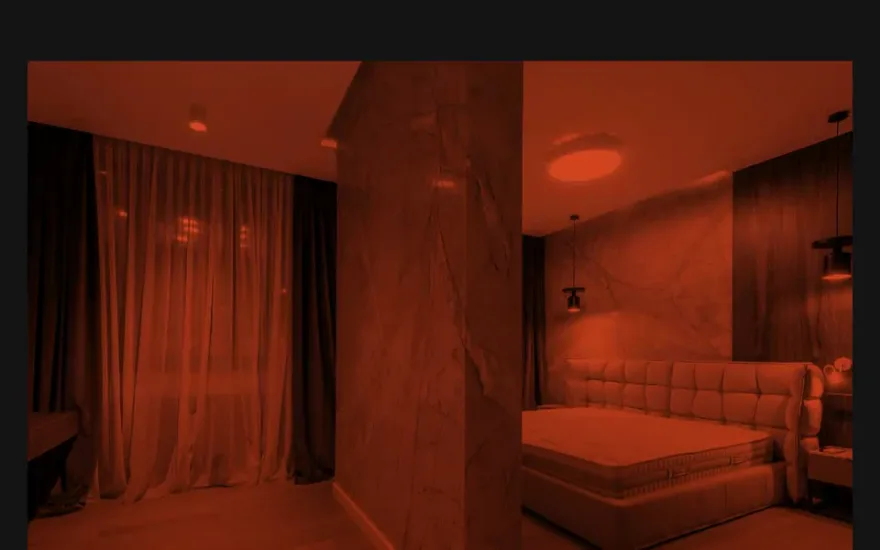
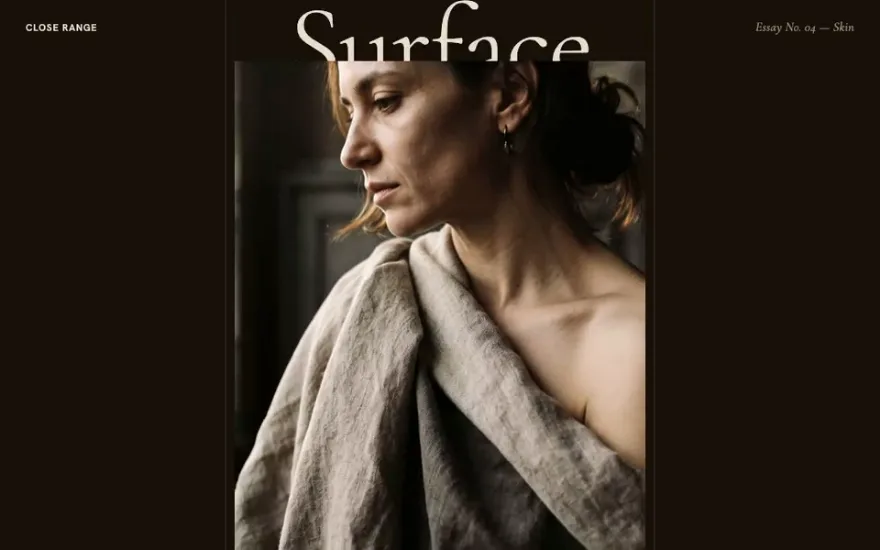
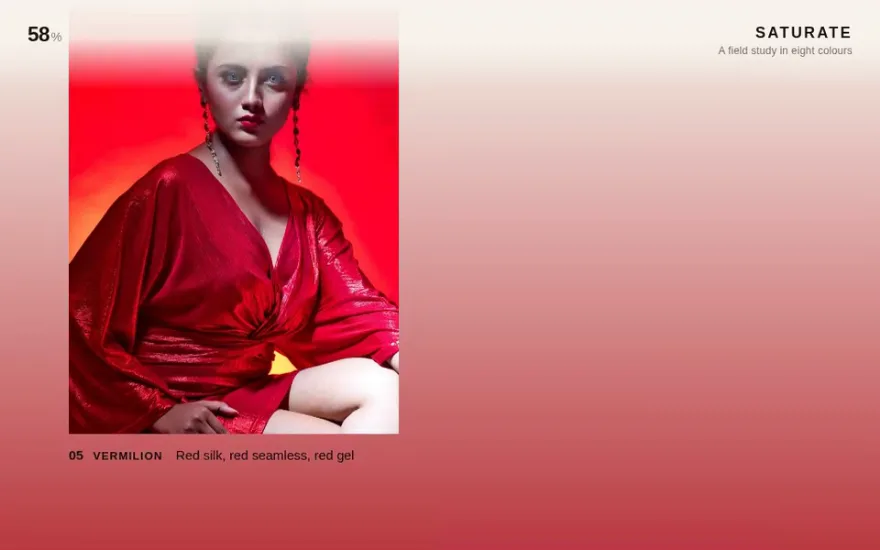
Free promptThe live example above, with a free prompt. Tall portraits open from a thin sliver as they enter the screen, and the page background shifts to the color of the image in view.
An image reveal on scroll hides a picture behind a mask and opens the mask when the image enters the viewport. With GSAP the mask is almost always a CSS clip-path: you start with a shape that covers nothing, such as inset(100% 0 0 0), and animate it to inset(0) with a ScrollTrigger attached. Scaling the image down slightly at the same time, from about 1.3 to 1, makes it feel like it settles into the frame instead of being uncovered.
Which mask. inset() is the simplest and most robust: it wipes from one edge and can have rounded corners. polygon() lets the opening be a diagonal or a sliver that grows from the centre, but the start and end polygons must have the same number of points to animate. A CSS mask-image with an SVG or a gradient gives soft edges and any shape you can draw, at a higher paint cost.
What moves inside the mask. The mask and the image are two separate layers. Put the clip on a wrapper and animate the scale (or a small vertical shift) on the image inside it. The wrapper keeps the layout box fixed while the picture moves within it, which is what gives the reveal depth.
Triggered or scrubbed. A triggered reveal plays once, at its own speed, when the image crosses a point in the viewport. It suits grids and editorial pages with many images. A scrubbed reveal is welded to the scrollbar and suits a single large image or a pinned sequence where the reader controls the pace.
Every element with data-reveal opens from the bottom edge while the image inside settles from a slight zoom.
import gsap from "gsap";
import { ScrollTrigger } from "gsap/ScrollTrigger";

gsap.registerPlugin(ScrollTrigger);

gsap.utils.toArray("[data-reveal]").forEach((frame) => {
  const img = frame.querySelector("img");
  const tl = gsap.timeline({
    scrollTrigger: { trigger: frame, start: "top 85%", once: true },
    defaults: { duration: 1.4, ease: "power3.out" },
  });
  tl.fromTo(frame,
    { clipPath: "inset(100% 0% 0% 0%)" },
    { clipPath: "inset(0% 0% 0% 0%)" })
    .fromTo(img, { scale: 1.3 }, { scale: 1 }, 0);
});
[data-reveal] { overflow: hidden; clip-path: inset(100% 0 0 0); }
[data-reveal] img { display: block; width: 100%; height: 100%; object-fit: cover; }Writing the starting clip in CSS keeps the image hidden before JavaScript runs, so it never flashes in and disappears. To scrub it instead, replace once: true with scrub: true and an end such as "top 30%".
Matching values. GSAP interpolates the numbers inside the clip-path string in order, so both ends need the same function and the same count of values. The shorthand inset(0) has one number and cannot be matched against four; write all four values, with %, on both sides.
Images that are not loaded yet. ScrollTrigger measures positions when it is created. If images above have no dimensions until they load, every trigger below starts in the wrong place. Give images width and height attributes or an aspect-ratio, and call ScrollTrigger.refresh() after late content arrives.
Lazy loading. A native loading="lazy" image may not have decoded when its reveal starts, and the mask opens on an empty box. Start loading a little before the trigger, or decode the image first with img.decode().
Reduced motion and no JavaScript. If the starting clip lives in CSS, make sure it only applies when the script is running, for example behind a class the script adds to the root element. Otherwise a failed script leaves every image hidden. For prefers-reduced-motion, skip the zoom and use a short fade.
Animating clip-path repaints the masked area on every frame, while transform and opacity do not. For a handful of images on screen this is fine on any device. Problems start with dozens of large images revealing at the same moment, or with soft masks made with mask-image and blur. Keep reveals staggered, prefer inset(), and let triggers that have played stop listening with once: true.
Each one has a live demo and a validated AI prompt that rebuilds it in your project.
The live example above, with a free prompt. Tall portraits open from a thin sliver as they enter the screen, and the page background shifts to the color of the image in view.
Each picture is cut into a three by three grid of masks that open in a diagonal wave, so the image assembles itself tile by tile.
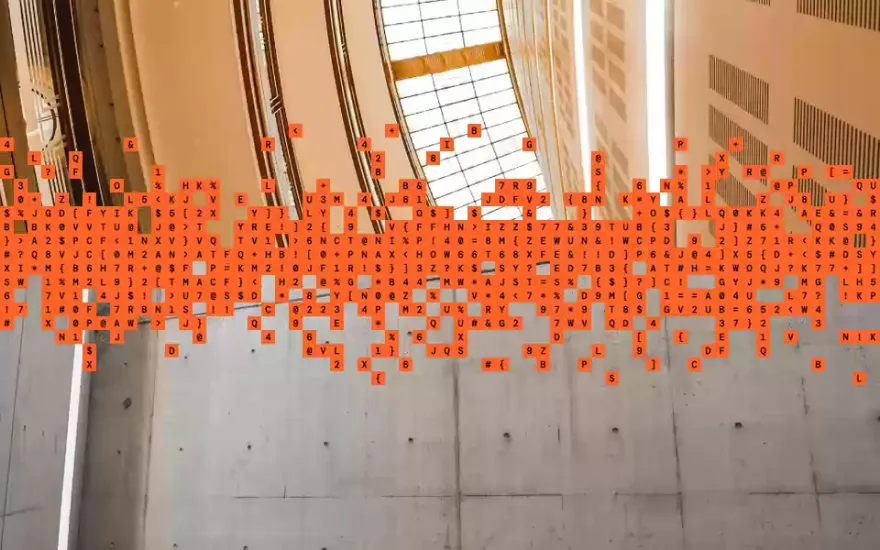
A pinned stack where each image wipes upward to show the next, and the edge of the wipe dissolves into a band of random characters.
Scrubbed rather than triggered: a fixed stack of photos is wiped in and out by clip-path as chapter titles pass over it, with a slow zoom on the active image.
The reverse idea: a rounded frame closes in from the edges of the screen until the full bleed photo appears to shrink into a small window.
The reveal uses a CSS mask image instead of clip-path, so the opening can be any shape drawn in SVG and grow with the scroll.
The snippet above is the bare idea. Image Reveal On Scroll is the finished, designed version, and its prompt is free: paste it into Claude Code, Cursor or any AI coding agent and it rebuilds the effect in your project with the exact structure, timing and easing.
Yes. GSAP tweens the values inside a clip-path string, for inset(), circle(), ellipse() and polygon(), as long as the start and end values use the same function and the same number of points.
An overlay (a solid block sliding off the image) is the older technique and works everywhere, but it needs a background that matches the page. A clip-path reveal shows whatever is behind the element and works on any background.
Use inset(50% 50% 50% 50%) as the start value, or circle(0% at 50% 50%) growing to circle(75% at 50% 50%) for a round opening.
The trigger positions were measured before the layout settled, usually because images or fonts loaded later. Reserve space for images and refresh ScrollTrigger once the page has finished loading.