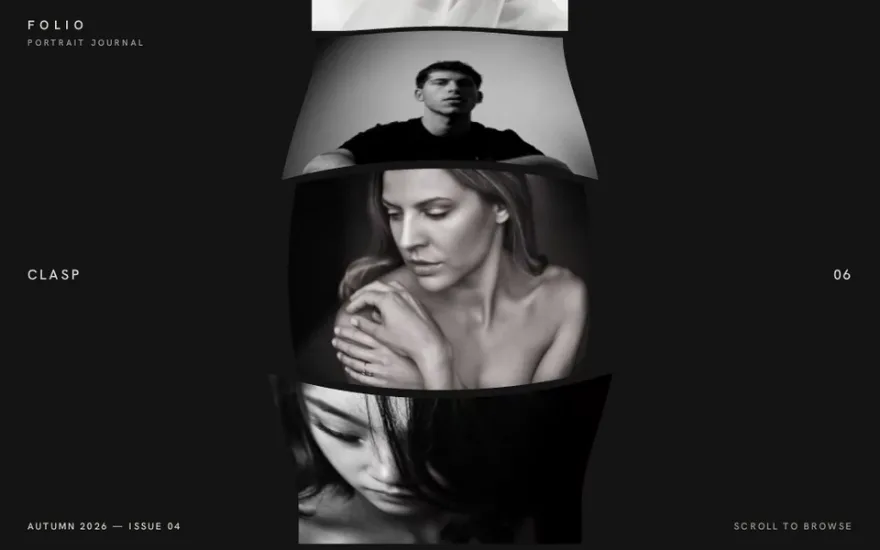
ThreeJS Infinite Slider
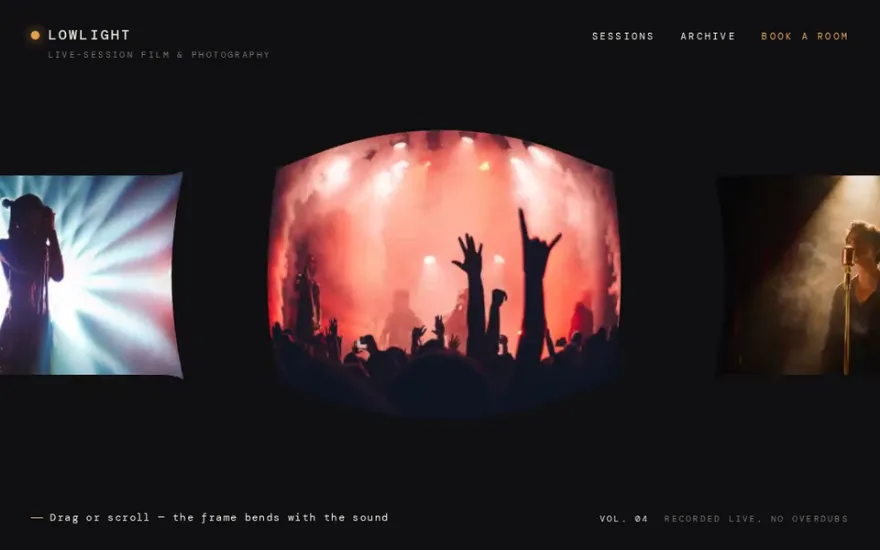
Premium promptThe live example above. Ten image planes loop endlessly in a vertical strip driven by wheel, drag and touch, and the faster you move the more the planes bend in depth.
A Three.js image slider draws the current image on a plane that fills the screen and changes slides inside a fragment shader. The shader receives two textures, the image you are leaving and the one you are going to, plus a progress value from 0 to 1, and decides per pixel how to blend them. GSAP animates the progress. Because the blend is code, the transition can be a ripple, a lens, a liquid displacement or a wipe, which is exactly what plain HTML sliders cannot do.
One plane or many. For click to advance sliders with a dramatic transition, one full screen plane with two textures is simplest: the slides never move, the shader just morphs one into the other. For sliders that you drag or scroll through, each image is its own plane in a row, and the effect comes from moving and bending the planes, often in proportion to the scroll velocity.
What the shader does. Almost every transition is the same pattern: offset the texture coordinates of both images by some displacement that peaks halfway through, then mix the two colours with the progress. Swap the displacement for a noise texture, a radial wave or a distance from the pointer and you get a different effect from the same twenty lines.
Who owns the timing. GSAP tweens the uProgress uniform with an ease, so the transition can be interrupted, reversed or chained with HTML title animations in one timeline. The render loop only draws what the uniforms say.
One plane, two textures, a sine displacement that peaks mid transition, and a click to go to the next image.
import * as THREE from "three";
import gsap from "gsap";

const urls = ["/img/1.jpg", "/img/2.jpg", "/img/3.jpg"];
const renderer = new THREE.WebGLRenderer();
renderer.setPixelRatio(Math.min(devicePixelRatio, 2));
renderer.setSize(innerWidth, innerHeight);
document.body.appendChild(renderer.domElement);

const scene = new THREE.Scene();
const camera = new THREE.OrthographicCamera(-1, 1, 1, -1, 0, 1);
const textures = urls.map((u) => new THREE.TextureLoader().load(u));
const uniforms = {
  uFrom: { value: textures[0] },
  uTo: { value: textures[1] },
  uProgress: { value: 0 },
};
const material = new THREE.ShaderMaterial({
  uniforms,
  vertexShader: `varying vec2 vUv;
    void main() { vUv = uv; gl_Position = vec4(position, 1.0); }`,
  fragmentShader: `uniform sampler2D uFrom, uTo; uniform float uProgress;
    varying vec2 vUv;
    void main() {
      float bump = sin(uProgress * 3.1416);
      float wave = sin(vUv.y * 12.0 + uProgress * 8.0) * 0.06 * bump;
      vec4 a = texture2D(uFrom, vUv + vec2(wave, 0.0));
      vec4 b = texture2D(uTo, vUv - vec2(wave, 0.0));
      gl_FragColor = mix(a, b, smoothstep(0.2, 0.8, uProgress));
    }`,
});
scene.add(new THREE.Mesh(new THREE.PlaneGeometry(2, 2), material));
renderer.setAnimationLoop(() => renderer.render(scene, camera));

let index = 0;
let busy = false;
addEventListener("click", () => {
  if (busy) return;
  busy = true;
  const next = (index + 1) % textures.length;
  uniforms.uTo.value = textures[next];
  gsap.fromTo(uniforms.uProgress, { value: 0 }, {
    value: 1,
    duration: 1.4,
    ease: "power2.inOut",
    onComplete() {
      uniforms.uFrom.value = textures[next];
      uniforms.uProgress.value = 0;
      index = next;
      busy = false;
    },
  });
});
The orthographic camera and the plane of size 2 mean the plane covers the canvas exactly, whatever the window size, so there is no camera maths to get right.
Cover fit. A texture stretched over the screen is distorted unless its aspect matches the window. Pass both aspect ratios as uniforms and scale the texture coordinates around the centre in the shader, the same idea as object-fit: cover. Recompute it on resize, and for each image if they differ in shape.
Colour. If the images look washed out or too dark, colour space handling is involved. A custom ShaderMaterial does not convert colours by itself. Either leave the textures without a colour space and output them as they are, or mark them as sRGB and add the colour space chunk of Three.js at the end of the shader, but do not mix the two approaches.
Loading. A transition to a texture that has not loaded shows black. Preload all slides before enabling navigation, or at least the next one, and show the first image as a normal HTML image until the canvas is ready, which also helps search engines and slow devices.
Text and accessibility. The images inside a canvas are invisible to screen readers and search engines. Keep the titles, captions and controls in HTML on top of the canvas, with real buttons for previous and next and keyboard support, and use the canvas only for the picture.
Interrupting. Fast clicks during a transition either queue, skip or break the state. The busy flag above ignores them, which is the simplest correct choice. For drag and scroll driven sliders, work with a continuous position and velocity instead of discrete steps, and ease towards the target every frame.
A single full screen quad with two texture reads is cheap, even on phones. The costs are texture memory (large photos uploaded at full resolution), a device pixel ratio of 3 on recent phones, and a render loop that runs when nothing changes. Resize images to the size they are shown at, cap the pixel ratio at 2, and render only while a transition or interaction is running.
Each one has a live demo and a validated AI prompt that rebuilds it in your project.
The live example above. Ten image planes loop endlessly in a vertical strip driven by wheel, drag and touch, and the faster you move the more the planes bend in depth.
The horizontal version of the bend: slides curve into an arc in proportion to how fast you flick, and straighten as the strip settles.
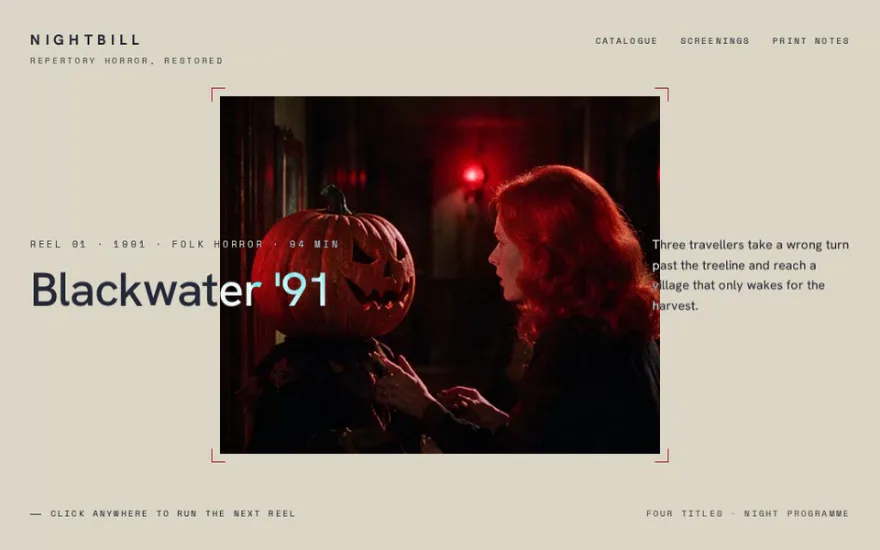
A click sends a circular ripple out from the pointer, and the next image appears along the expanding wave front.
The transition is a lens: a magnifying bubble grows from the centre and the incoming photo is warped inside it until it fills the screen.
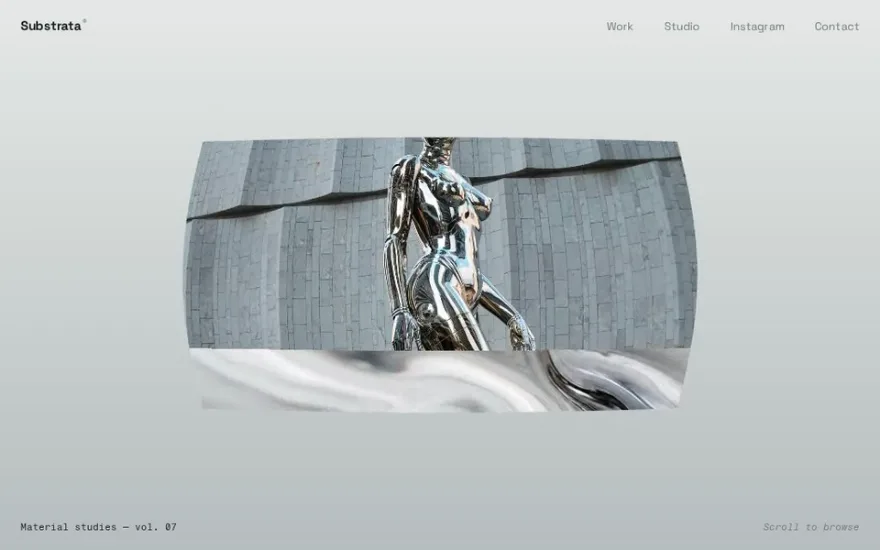
Wheel driven, with a vertical wipe between textures while the plane swells and bends, then a gentle snap to the nearest image.
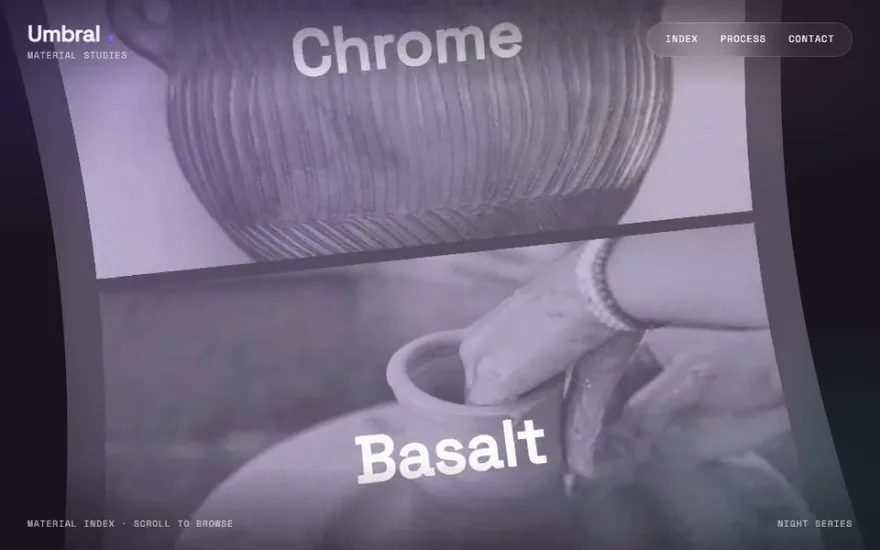
A different construction: the images are painted onto one long canvas texture on a curved plane, and scrolling slides the texture through the wave.
The snippet above is the bare idea. ThreeJS Infinite Slider is the finished, designed version, and its prompt gives Claude Code, Cursor or any AI coding agent the exact structure, timing and easing to rebuild it in your project. This is how it starts:
# ThreeJS Infinite Vertical Slider (WebGL, velocity vertex-bend, no GSAP)
## Goal
Build a full-screen **infinite vertical slider rendered entirely in Three.js** — no DOM images, no
animation library. Ten textured planes of slightly random heights are stacked head-to-toe into one
tall column inside a WebGL scene and **loop endlessly** as you scroll. Input comes from the **mouse
wheel, click-drag, and touch swipe**; a hand-rolled `requestAnimationFrame` engine lerps a virtual
scroll position, adds **momentum with friction** on release, and wraps the column so slides recycle
forever in both directions. The star effect: **scroll velocity bends each plane's vertices along Z**
— a sine-shaped bulge that peaks at screen center and is **signed by scroll direction** (curves one
way scrolling down, the other way scrolling up) and **scaled by how fast/decelerating you are**, so
the images ripple into a soft curved sheet while moving and flatten back out when still. Two small
HTML text nodes — a slide **title** and a zero-padded **counter** — always track the slide currently
…
Premium prompt
Unlock this prompt, and every other one
From $99/year, or $139 once for lifetime access. Commercial license included.
See pricing Or start with the free set Already bought? Sign in
No. Raw WebGL, OGL or PixiJS can run the same shader with less code to ship. Three.js is convenient because textures, render targets and resizing are handled for you, and it is what most examples use.
Map the wheel or the scroll position to a target progress, and ease the uniform towards it every frame instead of tweening it once. That gives a slider that follows the reader and settles on the nearest image.
Yes, it is the most common variant. Load a greyscale noise or pattern texture and use its value as the offset, instead of the sine wave, so the transition follows the shapes in that image.
Only if the content lives only in the canvas. Keep the text in HTML and the first image as a normal image element, and search engines see the same content as a regular slider.