Nocturne Baths, Fluid Splash Cursor
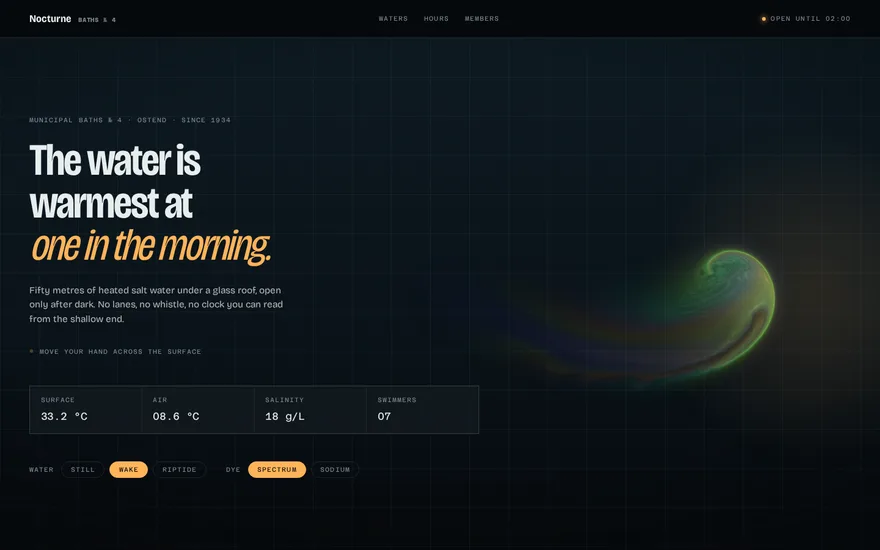
Premium promptThe live example above. A full GPU fluid solver in raw WebGL laid over a whole page: the cursor stirs coloured ink that swirls and fades, and the unpainted water stays fully transparent.
A fluid cursor effect runs a small fluid simulation on the GPU and lets the pointer stir it. The simulation keeps two textures, one for the velocity of the fluid and one for the colour it carries (the dye), and every frame a chain of fragment shaders moves them forward in time. Moving the pointer adds a splat of force and colour where it passes. Everything else, the swirls, the curls and the slow fading, comes from the equations. The method most WebGL versions follow is Jos Stam's Stable Fluids, adapted to the GPU in GPU Gems, and the open source WebGL Fluid Simulation by Pavel Dobryakov is the reference implementation many sites build on.
The solver steps. Each frame runs the same sequence on full screen quads: move the velocity along itself (advection), add the pointer splats, add a little swirl back with vorticity confinement so the motion does not go flat, compute how much the field spreads (divergence), solve for pressure with 20 to 40 iterations, and subtract the pressure gradient so the fluid does not compress. Finally the dye is advected through the corrected velocity and drawn.
Resolution. The velocity field can be coarse, often 128 cells on the short side, because motion is smooth. The dye needs much more, 512 to 1024, because that is what you see. Splitting the two is the biggest single performance decision, and it is why good fluid effects run on laptops at all.
How it sits on the page. Behind a hero, the simulation can draw an opaque background. Over a page, it has to be transparent where there is no ink, so the display shader derives the alpha from the dye's brightness and the canvas blends with premultiplied alpha. Over text, mix-blend-mode: difference on the canvas turns the ink into an inversion of whatever is below.
A real solver is a few hundred lines of shaders, so it does not fit in a snippet. What fits is the cheap approximation below, a 2D canvas that fakes the look: colour is stamped along the pointer path, and every frame the canvas is redrawn slightly enlarged and faded, which makes the ink spread and dissolve. It is also a reasonable fallback for devices without float textures.
const canvas = document.querySelector("canvas.ink");
const ctx = canvas.getContext("2d");
let w = 0, h = 0, last = null;

function resize() {
  const dpr = Math.min(devicePixelRatio, 2);
  canvas.width = (w = innerWidth) * dpr;
  canvas.height = (h = innerHeight) * dpr;
  ctx.setTransform(dpr, 0, 0, dpr, 0, 0);
}
resize();
addEventListener("resize", resize);

addEventListener("pointermove", (e) => {
  const speed = last ? Math.hypot(e.clientX - last.x, e.clientY - last.y) : 0;
  last = { x: e.clientX, y: e.clientY };
  const r = 24 + Math.min(speed, 90);
  const hue = (performance.now() / 15) % 360;
  const g = ctx.createRadialGradient(last.x, last.y, 0, last.x, last.y, r);
  g.addColorStop(0, `hsla(${hue}, 90%, 60%, 0.45)`);
  g.addColorStop(1, `hsla(${hue}, 90%, 60%, 0)`);
  ctx.fillStyle = g;
  ctx.fillRect(last.x - r, last.y - r, r * 2, r * 2);
});

(function frame() {
  ctx.globalCompositeOperation = "copy";
  ctx.drawImage(canvas, -2, -2, w + 4, h + 4);
  ctx.globalCompositeOperation = "destination-out";
  ctx.fillStyle = "rgba(0, 0, 0, 0.035)";
  ctx.fillRect(0, 0, w, h);
  ctx.globalCompositeOperation = "source-over";
  requestAnimationFrame(frame);
})();
Give the canvas position: fixed, inset: 0 and pointer-events: none so it covers the page without blocking clicks; the listeners sit on the window for the same reason.
Float textures. The solver needs render targets that store fractional values. WebGL2 supports half float targets on most devices, but WebGL1 and some mobile GPUs do not, or cannot filter them linearly. Robust implementations probe for support at start up, fall back to a lower precision format, and do bilinear filtering by hand in the shader when the hardware cannot.
Pointer input. Splats must carry the pointer's velocity, not just its position, or the fluid does not move with the hand. Measure the delta between events, scale it by the screen size, and on touch screens handle several pointers at once. Listen on the window with pointer-events: none on the canvas, or the effect will swallow every click on the page.
Device pixel ratio. Rendering the dye at the full ratio of a high density screen quadruples the cost for little visible gain. Cap it at 1 or 1.5 for the simulation and let the browser scale the canvas up.
Idle and hidden. A simulation that keeps running after the ink has faded burns battery for nothing. Stop the loop after a few seconds without input, restart it on the next move, and pause when the tab is hidden.
Accessibility. The effect is decoration: mark the canvas aria-hidden="true", turn it off for prefers-reduced-motion, and make sure text under the ink keeps enough contrast at every moment.
The pressure iterations dominate the cost. Lowering them from 40 to 20 is usually invisible; lowering the velocity resolution is the next lever. On phones, either run a reduced version or fall back to something like the canvas snippet above, and measure on a mid range Android device rather than a recent iPhone.
Each one has a live demo and a validated AI prompt that rebuilds it in your project.
The live example above. A full GPU fluid solver in raw WebGL laid over a whole page: the cursor stirs coloured ink that swirls and fades, and the unpainted water stays fully transparent.
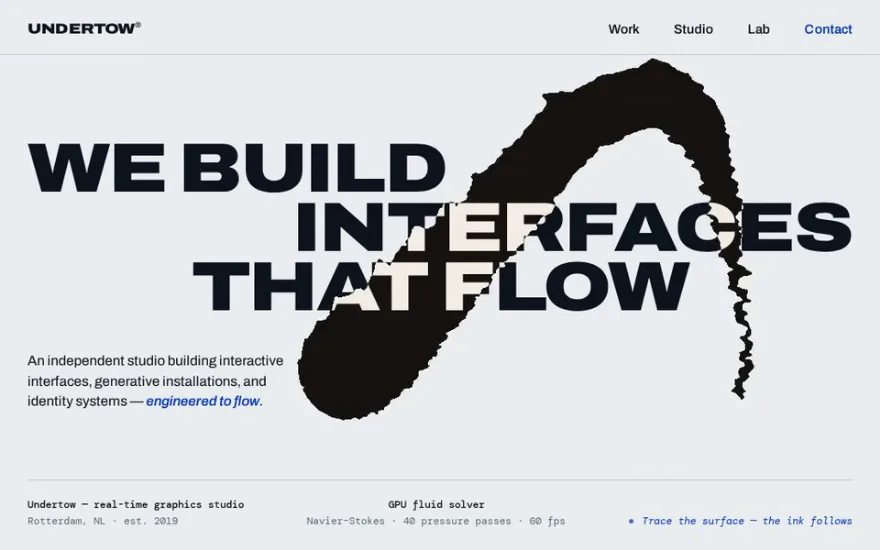
The same family of solver written with Three.js render targets, blended over a typographic hero with difference mode so the ink inverts the giant letters.
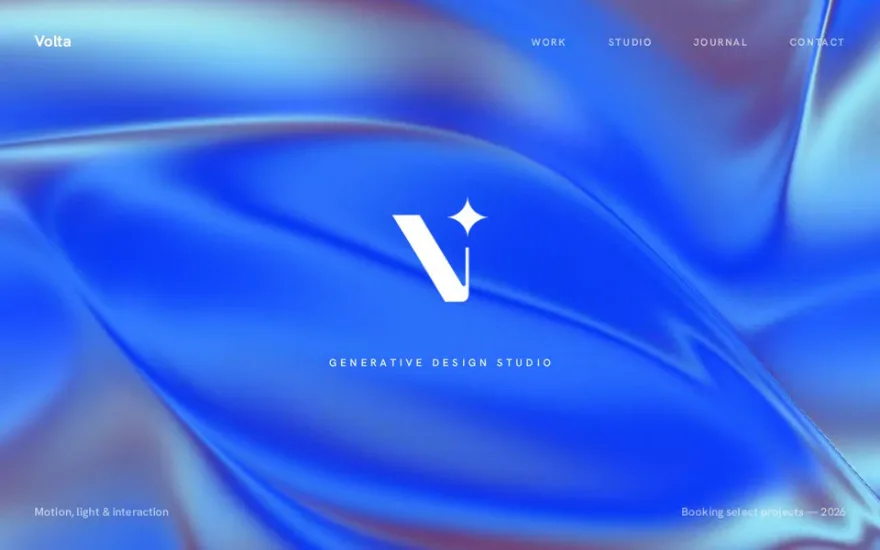
The fluid is never shown directly: its velocity field bends a flowing multicolour gradient, so the cursor leaves soft currents in the background.
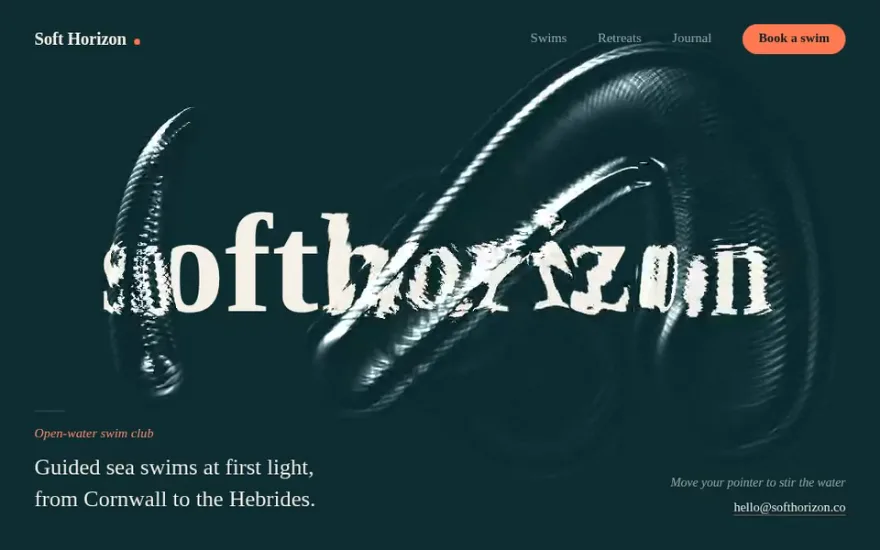
A different equation for a different material: a wave simulation makes the cursor leave ripples that refract the wordmark under a water surface.
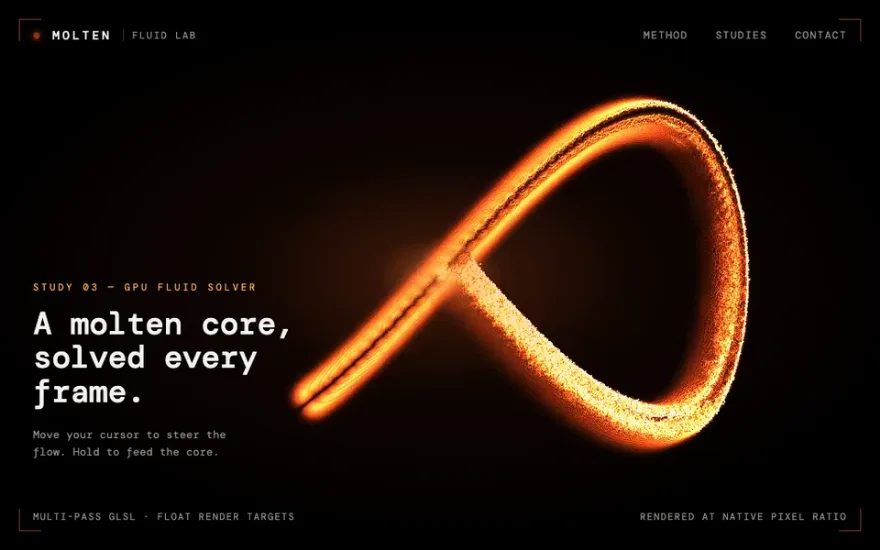
Particles instead of dye: glowing molten blobs are fired from the centre and pulled into swirls around the pointer by a multi pass shader simulation.
The cheap cousin, with no simulation at all: circles stamped along the pointer path inside a gooey SVG mask read as wet ink being smudged away.
The snippet above is the bare idea. Nocturne Baths, Fluid Splash Cursor is the finished, designed version, and its prompt gives Claude Code, Cursor or any AI coding agent the exact structure, timing and easing to rebuild it in your project. This is how it starts:
# Fluid Splash Cursor (page-level GPU Navier–Stokes overlay)
## Goal
Build a page whose pointer drags **liquid ink across the entire document** — not inside a hero box, not behind the content, but on a transparent full-window layer that composites over headlines, tables, borders and photographs alike. Moving the pointer pushes a force and a puff of dye into a fluid simulation running on the GPU; the ink curls, spreads and dissipates on its own. Clicking bursts. The page underneath is never touched: no blend mode inverts it, no canvas covers it, no listener steals its clicks.
The demo dress is **Nocturne Baths № 4**, a municipal swimming pool that only opens after dark.
## Tech
**Vanilla HTML/CSS/JS. No library at all** — not GSAP, not three.js, not a shader loader. Raw WebGL2 with a WebGL1 fallback, one `requestAnimationFrame` loop, ES module syntax so it drops into a bundler or a plain `<script type="module">` unchanged. The whole solver is one exported function:
```js
const fluid = splashCursor({ curl: 12, densityDissipation: 3, color: "#ff0000" });
```
If you are tempted to reach for three.js: don't. The entire GPU side is ten fragment shaders and a fullscreen quad — copy, clear, splat, advection, divergence, curl, vorticity, pressure, gradient-subtract and display — and pulling in a scene graph to draw a quad triples the bundle for nothing.
## The mechanic
### What a fluid solver actually is here
…
Premium prompt
Unlock this prompt, and every other one
From $99/year, or $139 once for lifetime access. Commercial license included.
See pricing Or start with the free set Already bought? Sign in
Pavel Dobryakov's WebGL Fluid Simulation is open source under the MIT license and is the base of many fluid cursors on the web. Several React wrappers exist on top of it. Writing your own solver makes sense when you need it transparent over a page or tied to your own colours and timing.
Yes. Three.js render targets give you the ping pong buffers, and each solver step becomes a full screen ShaderMaterial pass. It adds the size of the library but makes it easy to combine the fluid with a 3D scene.
It can, with reduced resolution and fewer pressure iterations, but there is no hover on touch screens: the fluid only reacts while a finger is dragging. Many sites disable it on phones or show a lighter fallback.
Usually the dye resolution is too low or linear filtering is unavailable for the texture format, so the shader samples nearest pixels. Raise the dye resolution, or filter manually in the advection shader.